

Parameters — link parameters
Parameters is the campaign tab where link markup is configured: which parameters will be added to the campaign URL and which data will be saved with the lead after they click the link. Campaign tracki
Parameters is the campaign tab where link markup is configured: which parameters will be added to the campaign URL and which data will be saved with the lead after they click the link.
Campaign tracking link parameters. What goes into the URL, what is saved with the lead, and where it is used in CRM and analytics.
Example link:
your-domain.com/r/...?...&sub1=trader&ad_name=creative_v3&buyer=ivanParameters are needed so the same traffic can be broken down by buyer, campaign, ad, creative, and other parameters in CRM, Dashboards, and Analytics.
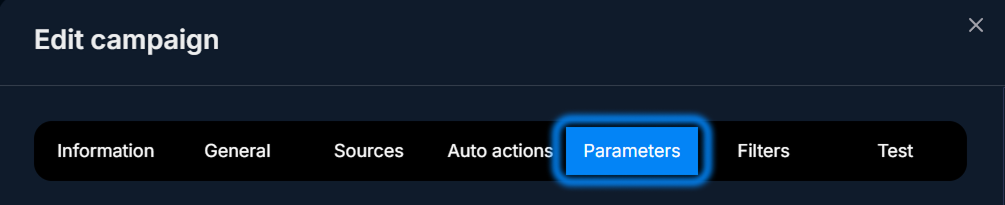
When to come back here
- when creating a new campaign
- when you need a new analytics breakdown
- when adding macros to the ad link
- if an operator needs to see the creative name in CRM
How it works
Each Parameters row is one URL parameter.
For example:
Parameter | Placeholder |
ad_name | {{ad.name}} |
buyer | {{buyer}} |
After the link is generated, values are automatically inserted into the URL.
Tracker receives the parameters on click and displays them in CRM and analytics.

Parameter fields
Field | What it defines | Example |
Name | Name in the interface | Creative name |
Parameter | Key in the URL | ad_name |
Placeholder | Value or macro | {{ad.name}} |
Value types
Ad network macro
The advertising platform automatically inserts the value.
Meta Ads example:
{{campaign.name}}How to add a parameter
Open Parameters
Tracker → Campaigns → Edit → Parameters.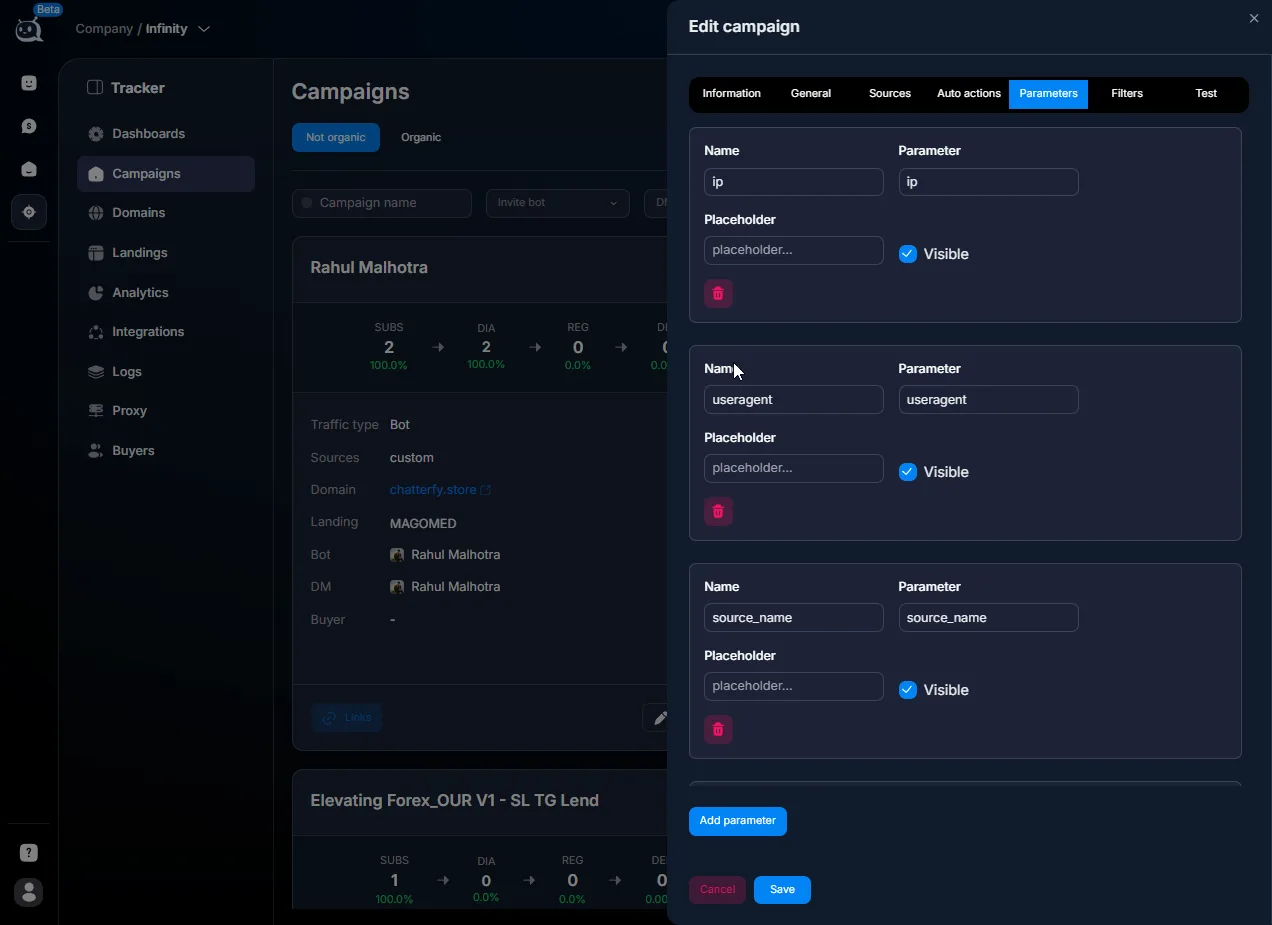
Click Add parameter
After clicking, the add parameter form opens.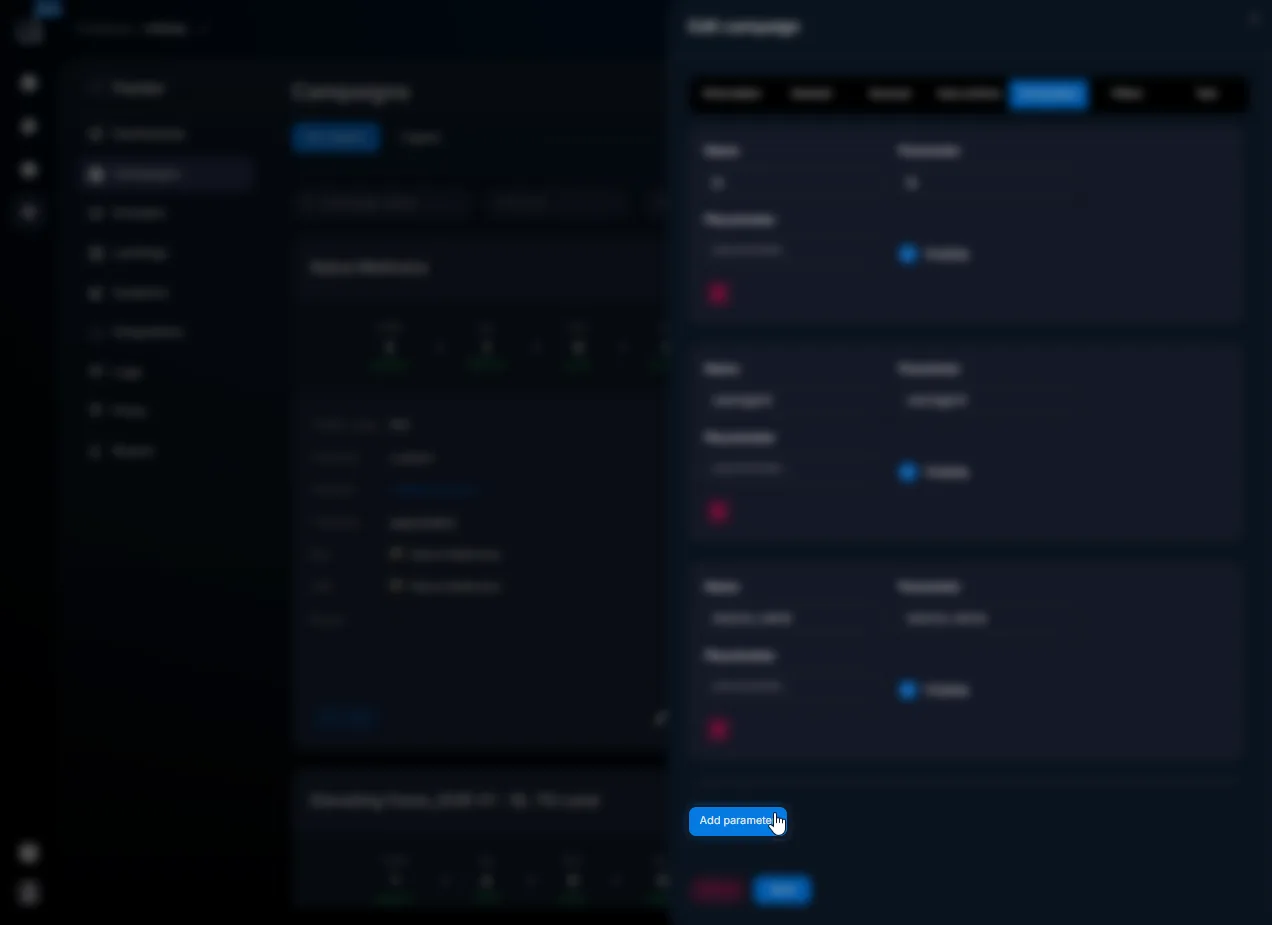
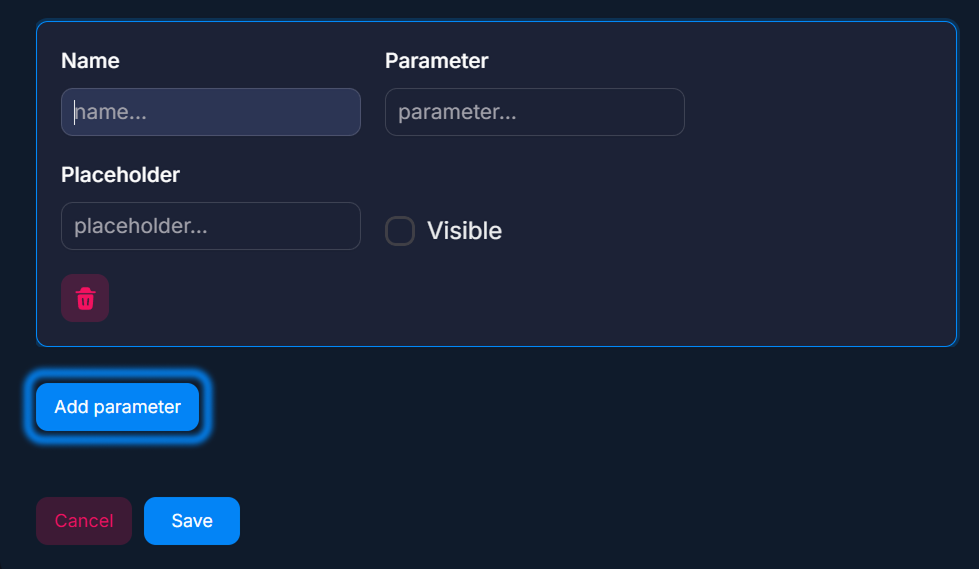
Add parameter button Fill in the fields
Fill in Name, Parameter, and Placeholder.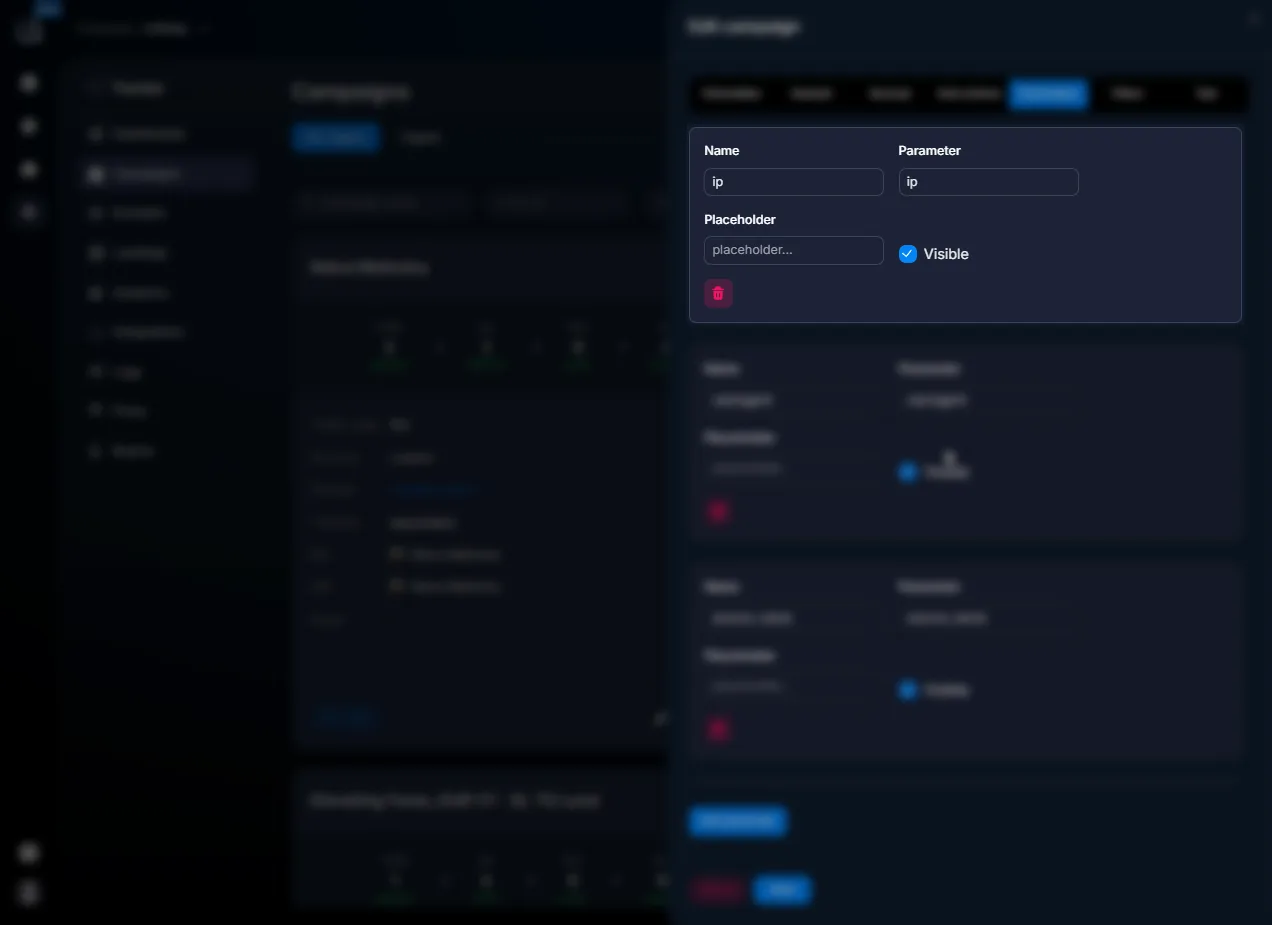
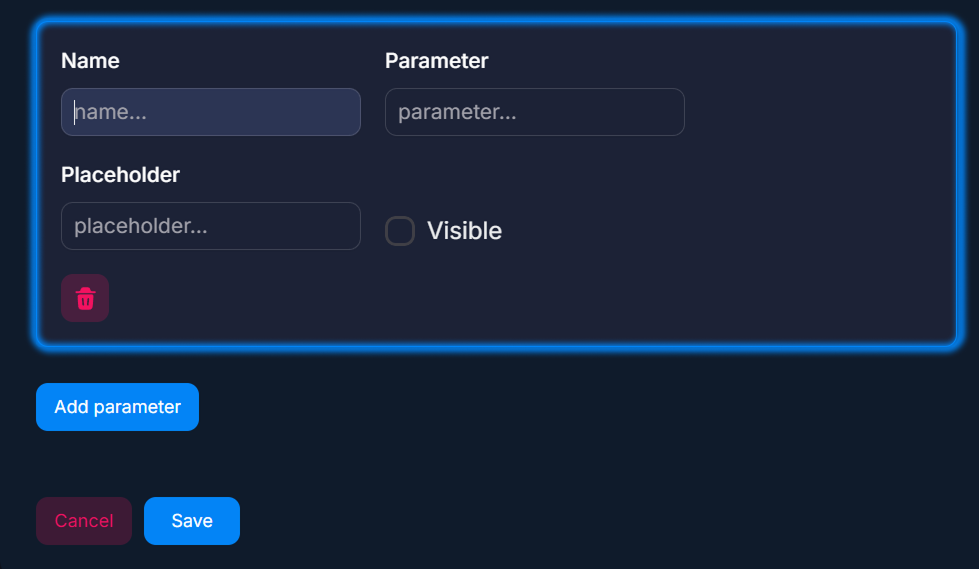
Parameter creation form Save
Click Save.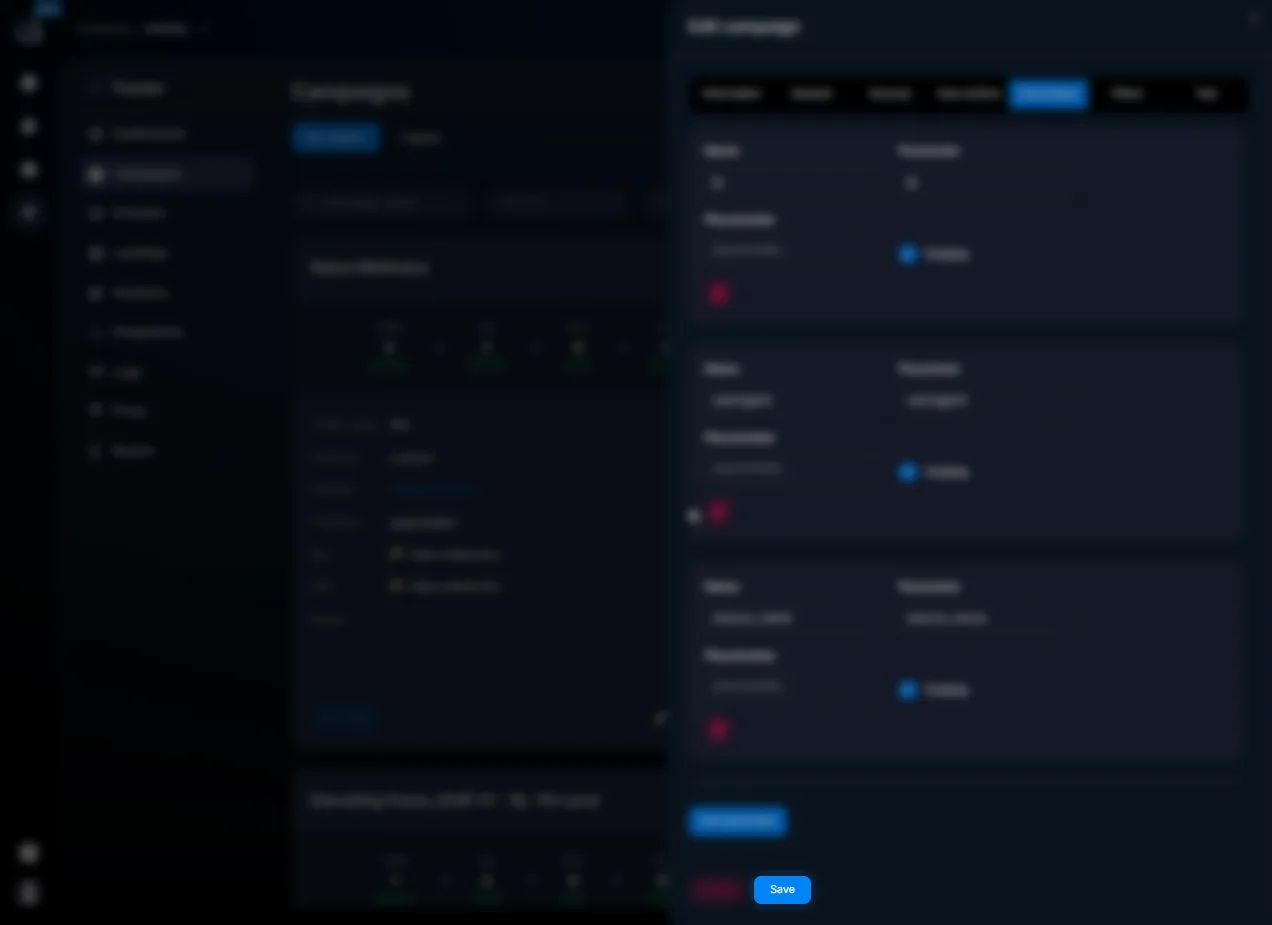
gicon:TriangleAlert
Check the Parameter format before launching traffic: Latin letters, numbers, and underscores only.
Common set of parameters
Parameter | Purpose |
buyer | buyer |
campaign | campaign |
ad_name | ad |
creative | creative |
Examples
Meta Ads
Parameter | Placeholder |
campaign | {{campaign.name}} |
ad_name | {{ad.name}} |
placement | {{placement}} |
Used to analyze the effectiveness of ads and placements.
What to keep in mind
- Do not change the Parameter after launching the campaign — old and new data will be split.
- Use a consistent naming style
- Check macros before starting traffic
Frequently asked questions
Links to other sections


Related


Was this article helpful?