

Test — checking a campaign before launch
The Test tab is a built-in simulation of a real user journey through a campaign link. It opens the landing page on your behalf, takes you through the entire path all the way to Telegram, and records e
The Test tab is a built-in simulation of a real user journey through a campaign link. It opens the landing page on your behalf, takes you through the entire path all the way to Telegram, and records every event along the way. This is the main tool for checking a campaign before sending traffic.
When you must run Test
Before every new traffic launch, always. After any changes to the campaign (if you changed the landing page, domain, Source, or filters). After recreating the bot / DM bot. If leads suddenly stop coming in, Test will show which step in the chain is breaking. Before presenting the campaign to a client or manager, make sure everything works.
How it works
- Tracker creates a clickid and records a Page View.
- Filters are applied (if the IP is not allowed, there will be a redirect).
- The landing page opens — either your Default or Custom one.
- When the transition button is clicked, a Click event is recorded and the user goes to Telegram.
- If Channel: request to join → acceptance → DM bot sends a private message.
- If Bot: the bot opens → Start is pressed → Flow starts.
- All events (Page View, Click, Subscribe, Contact) are logged in and in .
Test is completely transparent — it is not an “emulator”, but a real path. You simply go through it yourself to find errors.
How to run Test
Open the campaign
Tracker → Campaigns → select the campaign → Edit.
Go to the Test tab
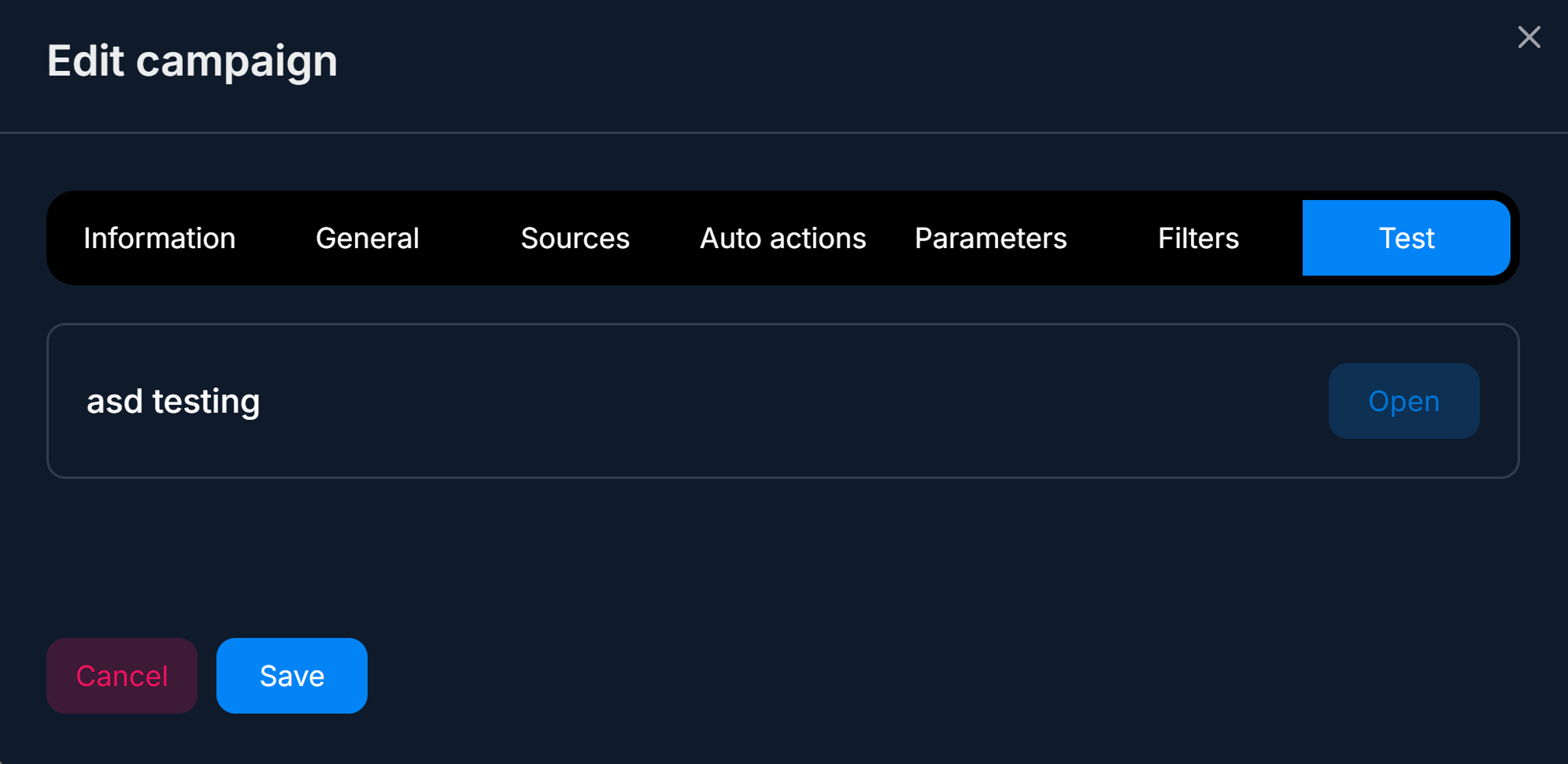
The last tab on the right.
Click Open
A new browser tab with the landing page will open. If filters block access, you will see a redirect (this is normal if your IP is not from an allowed country — use a VPN).
Go through the user path
Click the button to go to Telegram. If it is Channel, submit a request to join the channel (in the real Telegram under your own account). If it is Bot, press Start in the bot. Wait for the first message from the bot.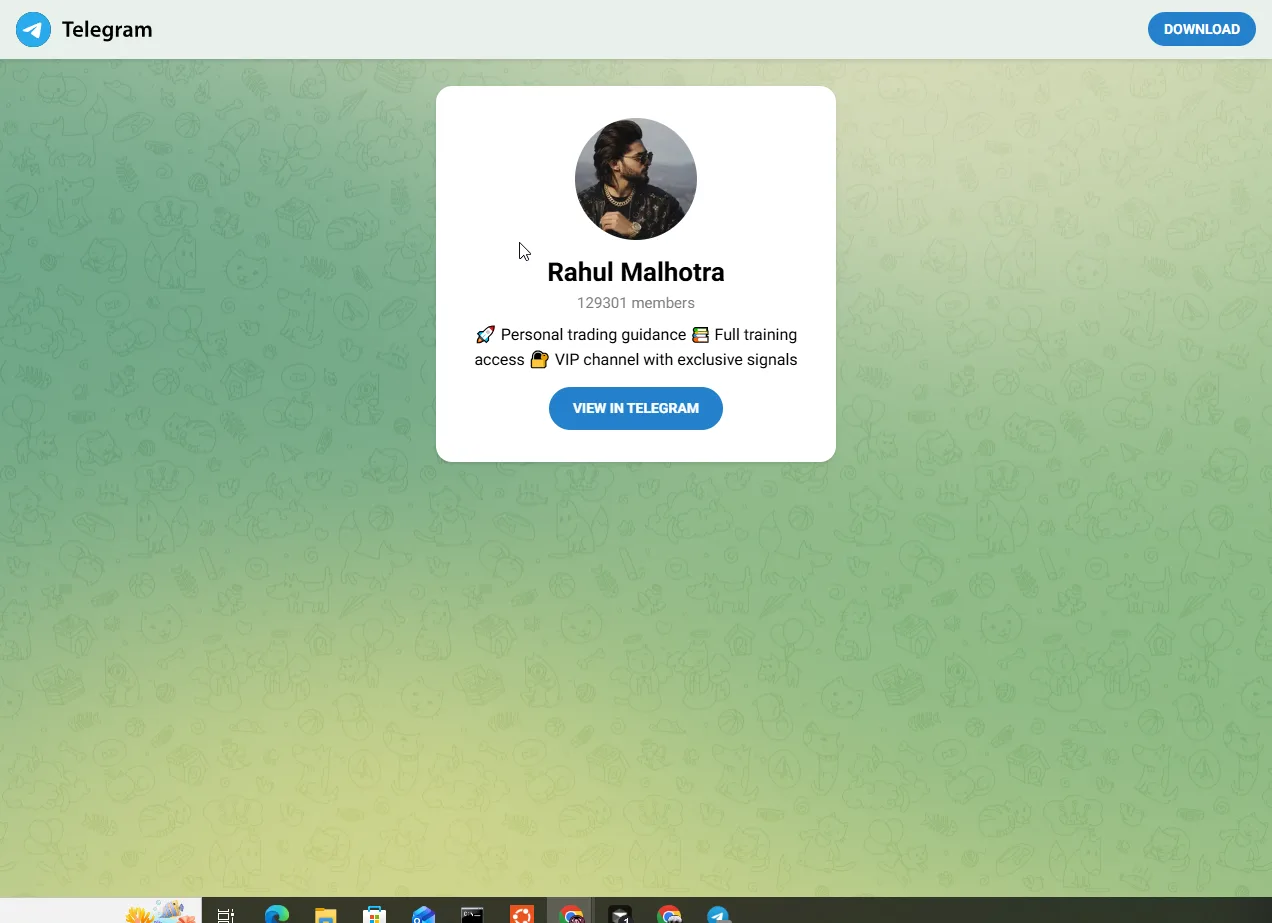
Check the result
Open Logs — event logs and Dashboards — Summary Analytics. The following should appear: Page View, Click, Subscribe (for Channel), Contact. If any stage is missing, the problem is at that point.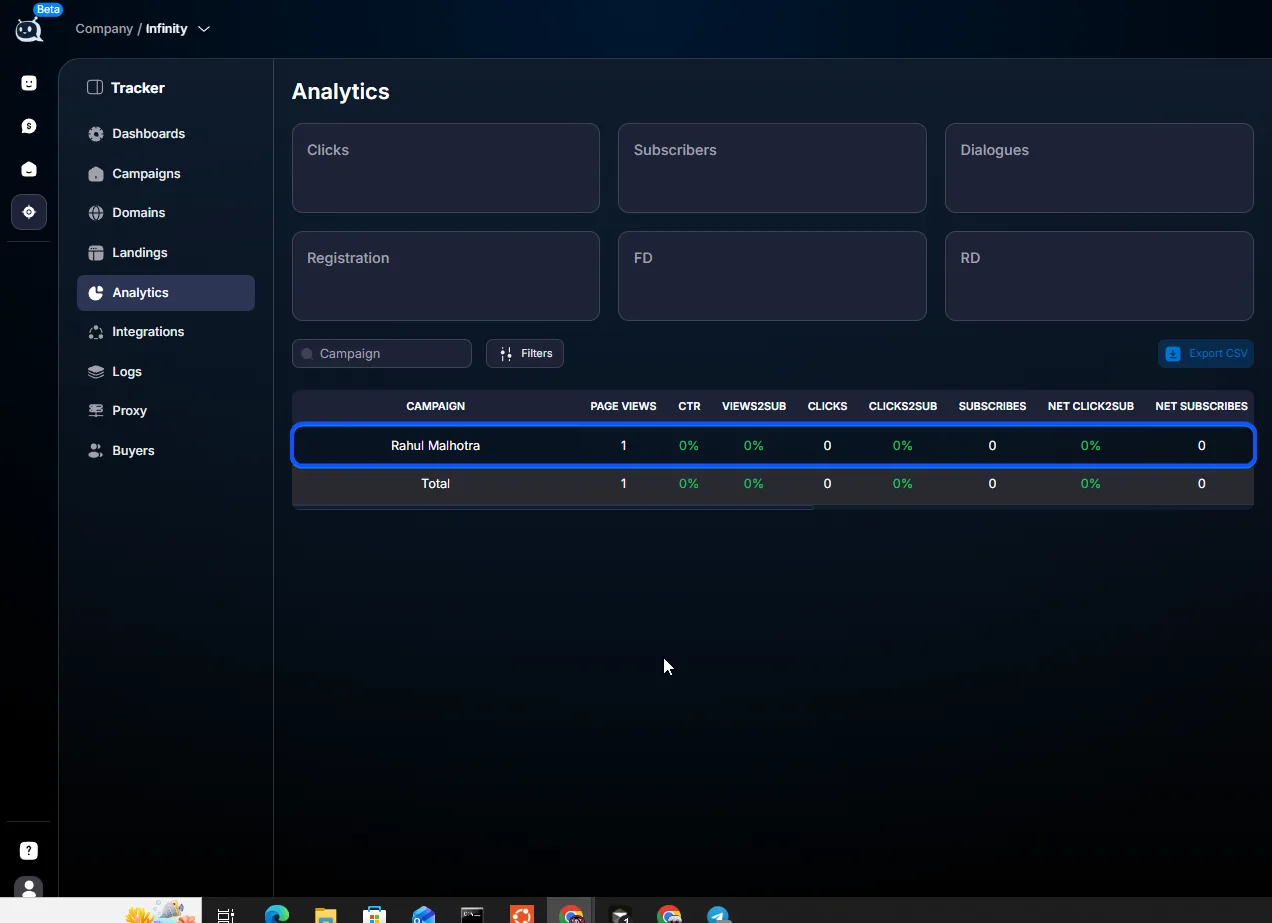
Remove the test chat from the CRM
After the test, your chat with the bot will appear in Статья. Delete it or set Status = Stopped so you don’t confuse the analytics. You can also leave it and mark it with thetesttag.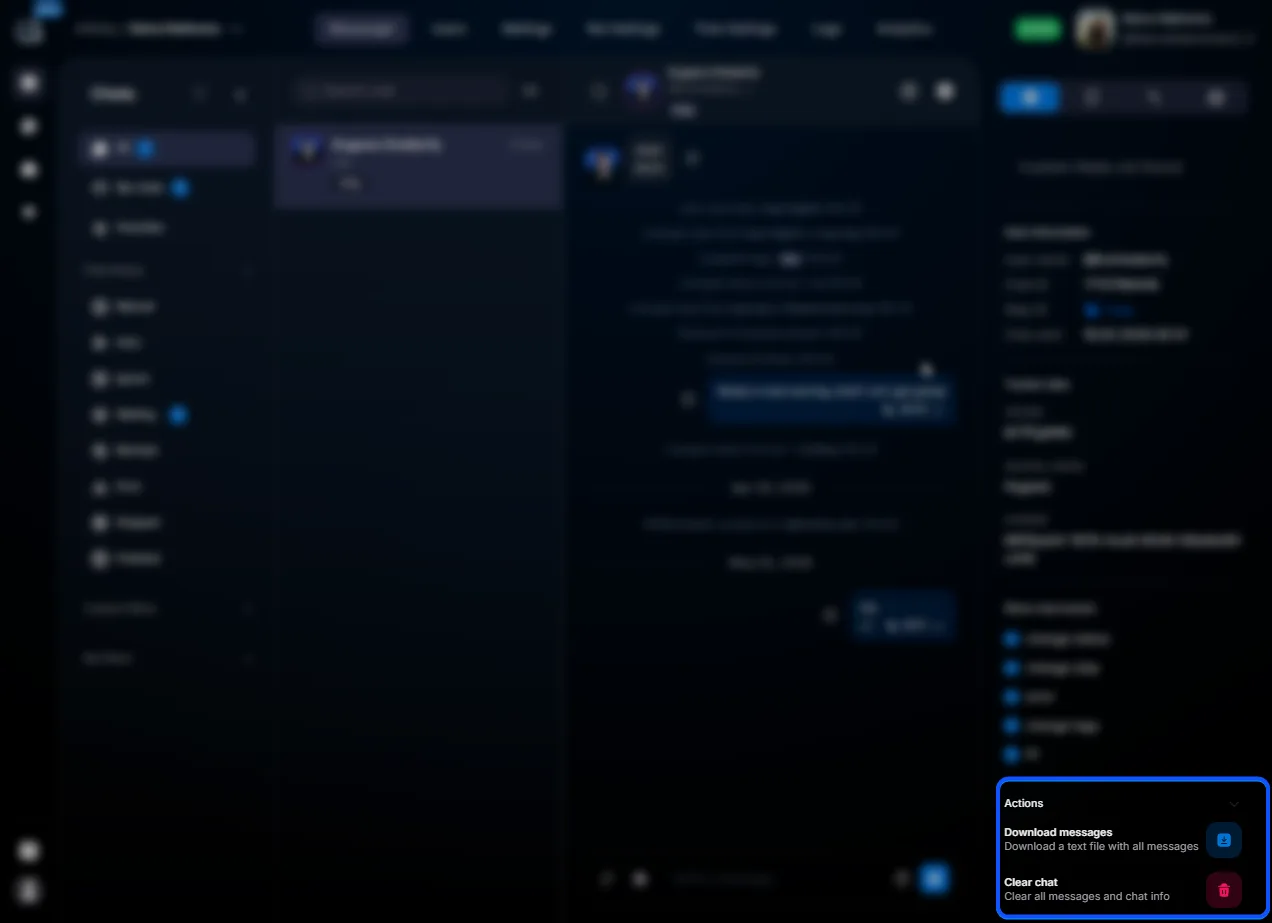
What to check during Test
- Whether the landing page opens (domain / SSL / content).
- Whether filters work — a non-target IP triggers a redirect (use a VPN to check).
- Whether the button to Telegram leads to the correct destination (channel Invite-link or direct bot).
- Invite Bot accepts the request (for Channel).
- The DM bot or Invite Bot sends the first message (the Flow starts).
- Page View / Click / Subscribe / Contact events are recorded in Tracker.
- The test lead card shows Tracker parameters (sub1, ad_name) — .
- Auto Actions run (if you want to check this, send a test postback via ).
Usage examples
Before driving traffic — arbitrage
Buyer has created a new campaign with a creative and is ready to spend $500 on Facebook. Before driving traffic, they run Test. They go through the entire path and see that the DM bot is silent after Subscribe. They go to Статья — it turns out the DM bot is disabled. They enable it, run Test again, and everything works. This saved $500 in potential losses.
After changing the landing page — arbitrage
Buyer moved from the Default landing page to Custom (their own ZIP). They run Test — they land on the landing page, click the button to proceed, and the button does not work. They open Custom — your own ZIP archive — they see that they forgot to add the
tracker attribute to the button in the HTML. They fix the ZIP, reupload it, and Test passes.Filter debugging — arbitrage
Buyer added the filter Available countries = US, AU. They want to make sure the filter works. They run Test from their IP (Russia) and see a redirect to a separate URL. They run it through a VPN with a US location and land on the landing page. The filter works correctly.
What to keep in mind
A test click-through is recorded in the campaign’s overall statistics — Page View, Click, Subscribe, and Contact events go to Dashboards and Analytics. If you want clean analytics, filter test leads by the
test tag or by the test click’s clickid. Test does not send postbacks from the affiliate network — to check postbacks, use a test account in the affiliate network, a registration link with a test clickid, and a postback emulator (if available). If, according to the filters, you are not in an allowed country, Test will not show the landing page, and this is a valid check.Frequently Asked Questions
Related


Was this article helpful?