

How to Set Up SSL
SSL is an HTTPS certificate that encrypts the connection between the user's browser and the server. Without it, modern browsers show a scary “Not Secure” warning, and advertising platforms (Facebook,
SSL is an HTTPS certificate that encrypts the connection between the user's browser and the server. Without it, modern browsers show a scary “Not Secure” warning, and advertising platforms (Facebook, Google) may reject ads with an http link as unsafe.
Cloudflare issues an SSL certificate automatically. You only need to enable the required mode —
Flexible. After that, Cloudflare will generate Universal SSL in 5–15 minutes, and the domain will start opening via https://.When to go to SSL settings
Immediately after How to add a domain to Cloudflare — this is a required step before launching traffic. If the domain opens with a “Not Secure” or “SSL Error” warning, check the SSL mode. If one subdomain is not working but the main domain is, the problem is usually not SSL (it is inherited), but it is worth checking. After any DNS changes, you sometimes need to recreate the SSL certificate.
How it works
- — Off — no SSL. The domain works only over http. Not suitable — advertising platforms will block it.
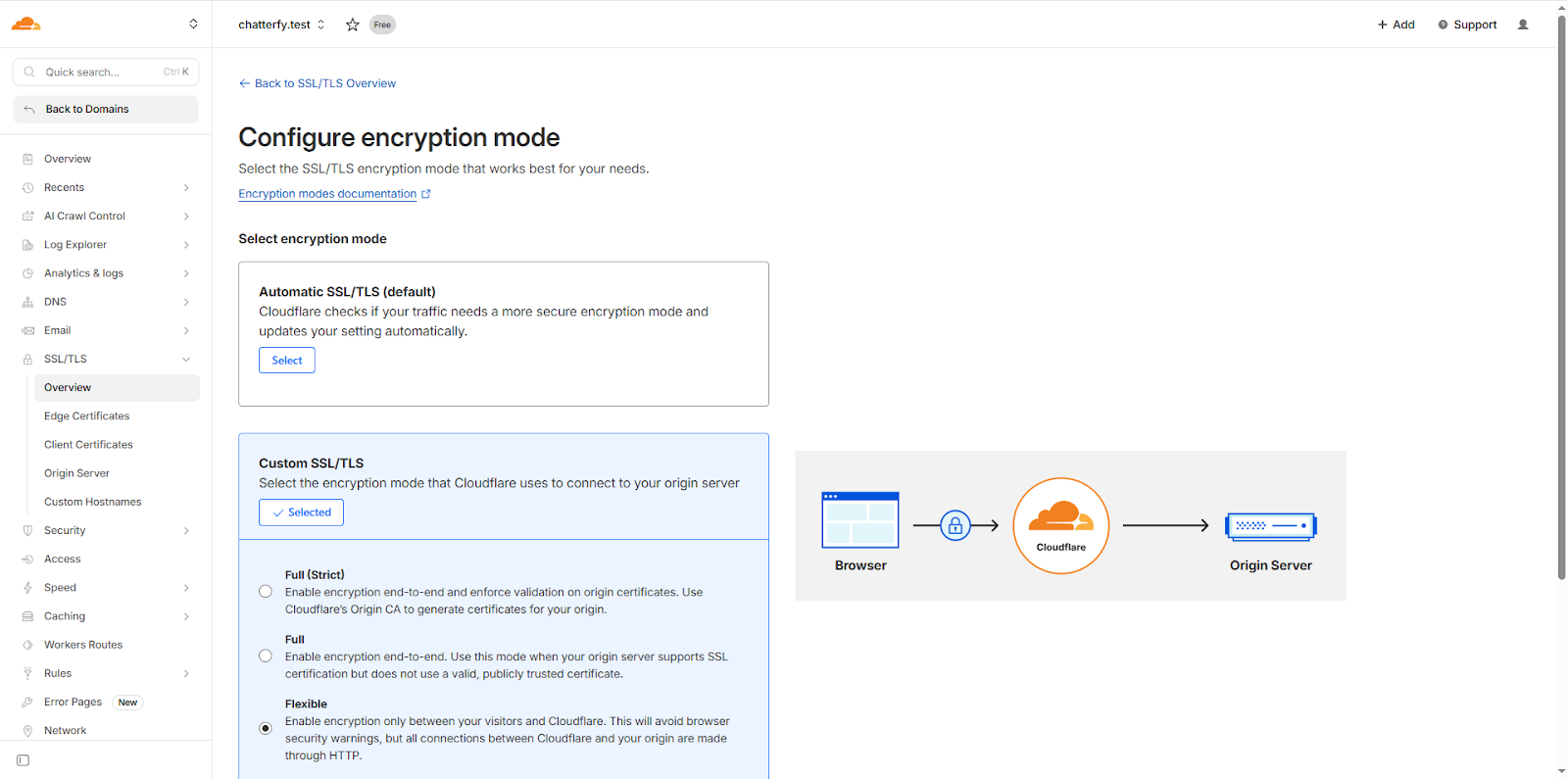
- — Flexible — browser ↔ Cloudflare over https, Cloudflare ↔ your server over http. This is the required mode for Tracker. The Tracker server does not have its own SSL certificate for your domain, but the Cloudflare proxy provides SSL to the user.
- — Full — browser ↔ Cloudflare over https, Cloudflare ↔ server also over https (with a self-signed or valid certificate). Not suitable — Tracker servers do not have your certificate.
- — Full (strict) — the same as Full, but with mandatory certificate validation. Not suitable.
To connect to Tracker, always select
Flexible. Any other mode will cause a 525 / 526 / 522 error in Cloudflare and make the domain unavailable.Setup steps
Open SSL/TLS → Overview
In Cloudflare, select your domain → SSL/TLS → Overview.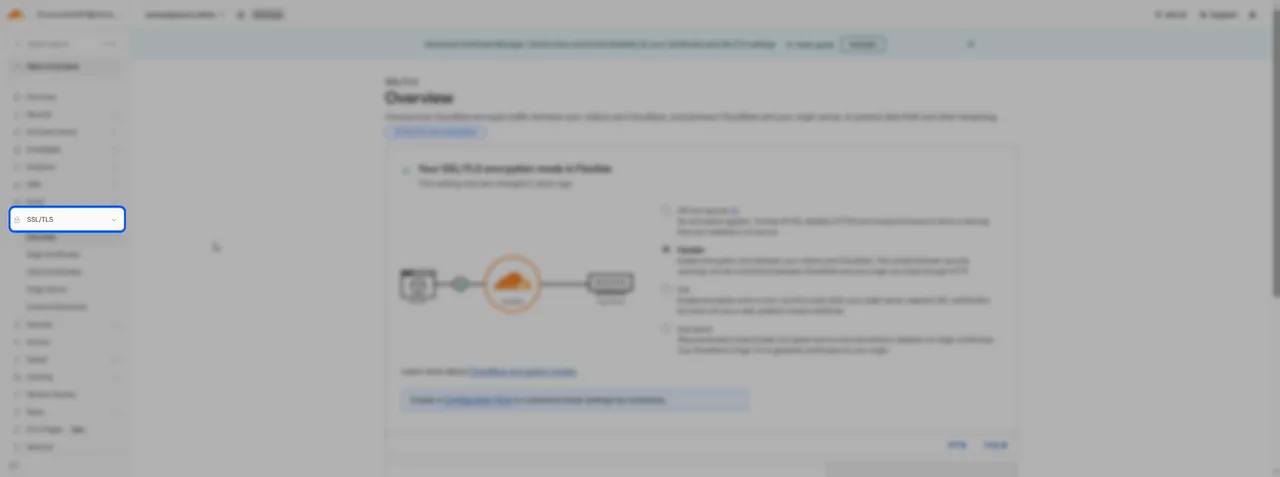
SSL/TLS → Overview 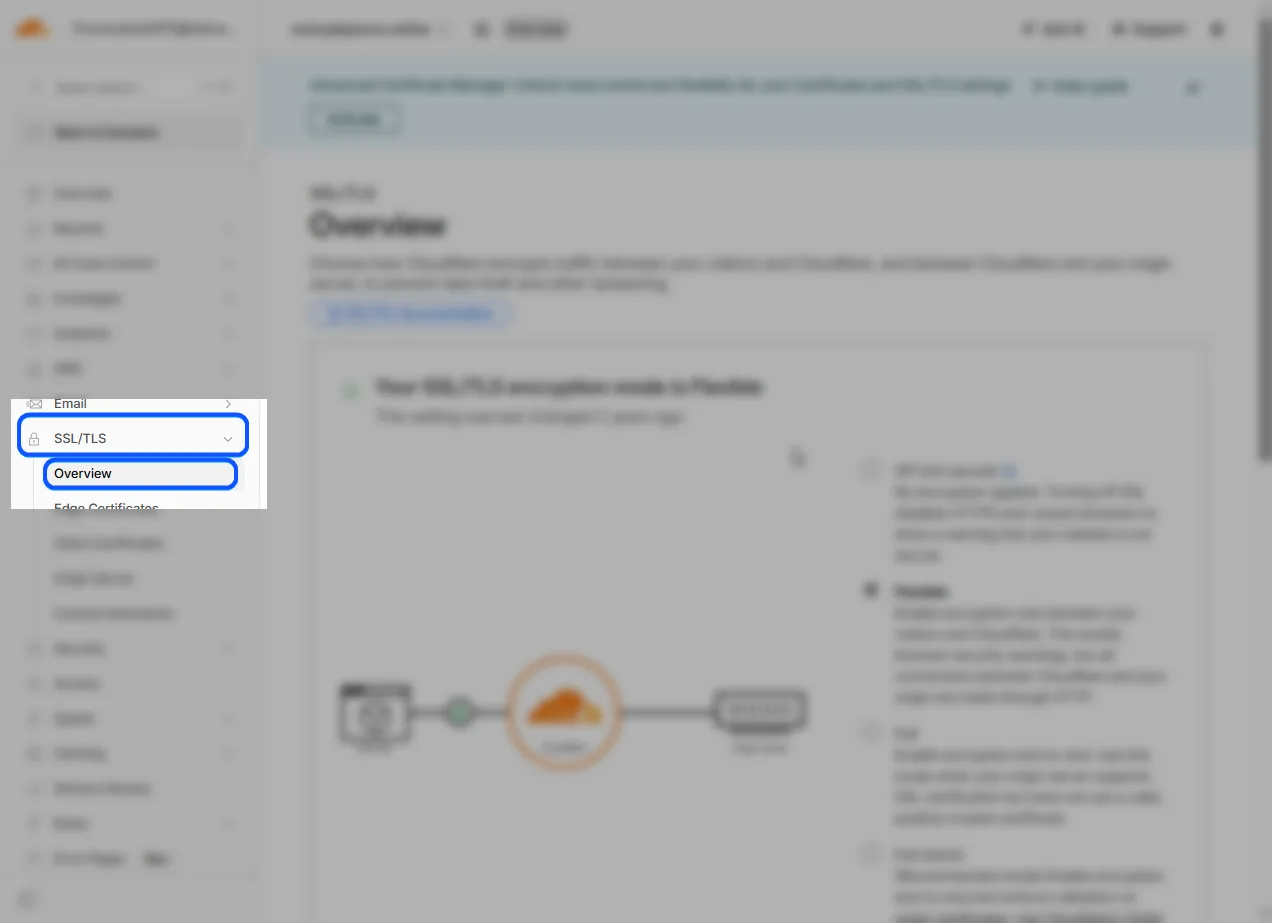
Select Flexible mode
In the “Your SSL/TLS encryption mode” block, there are four options (Off / Flexible / Full / Full strict). Click Flexible. Cloudflare will apply it immediately and start issuing the certificate.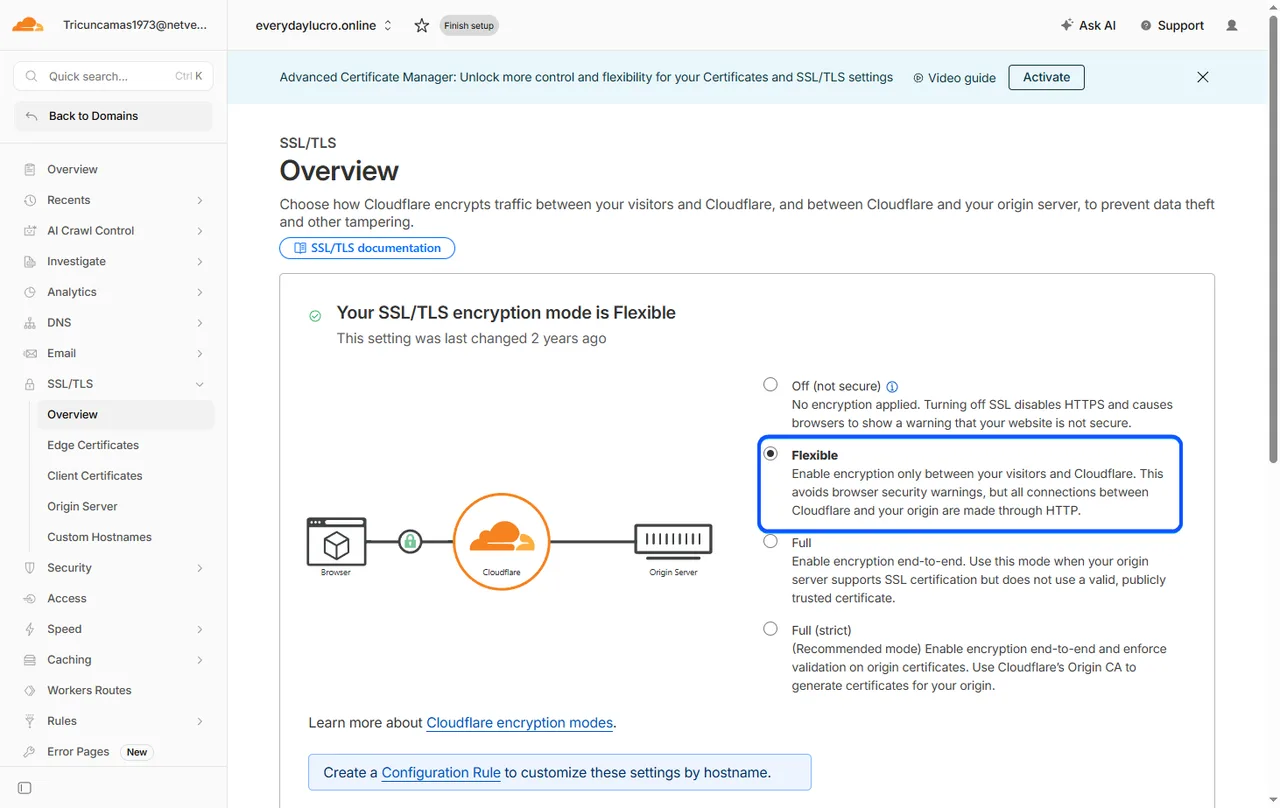
Wait for the certificate to be issued
Cloudflare issues SSL in 5–15 minutes (sometimes faster). You can track it inSSL/TLS → Edge Certificates. The certificate will appear in the list with theActivestatus.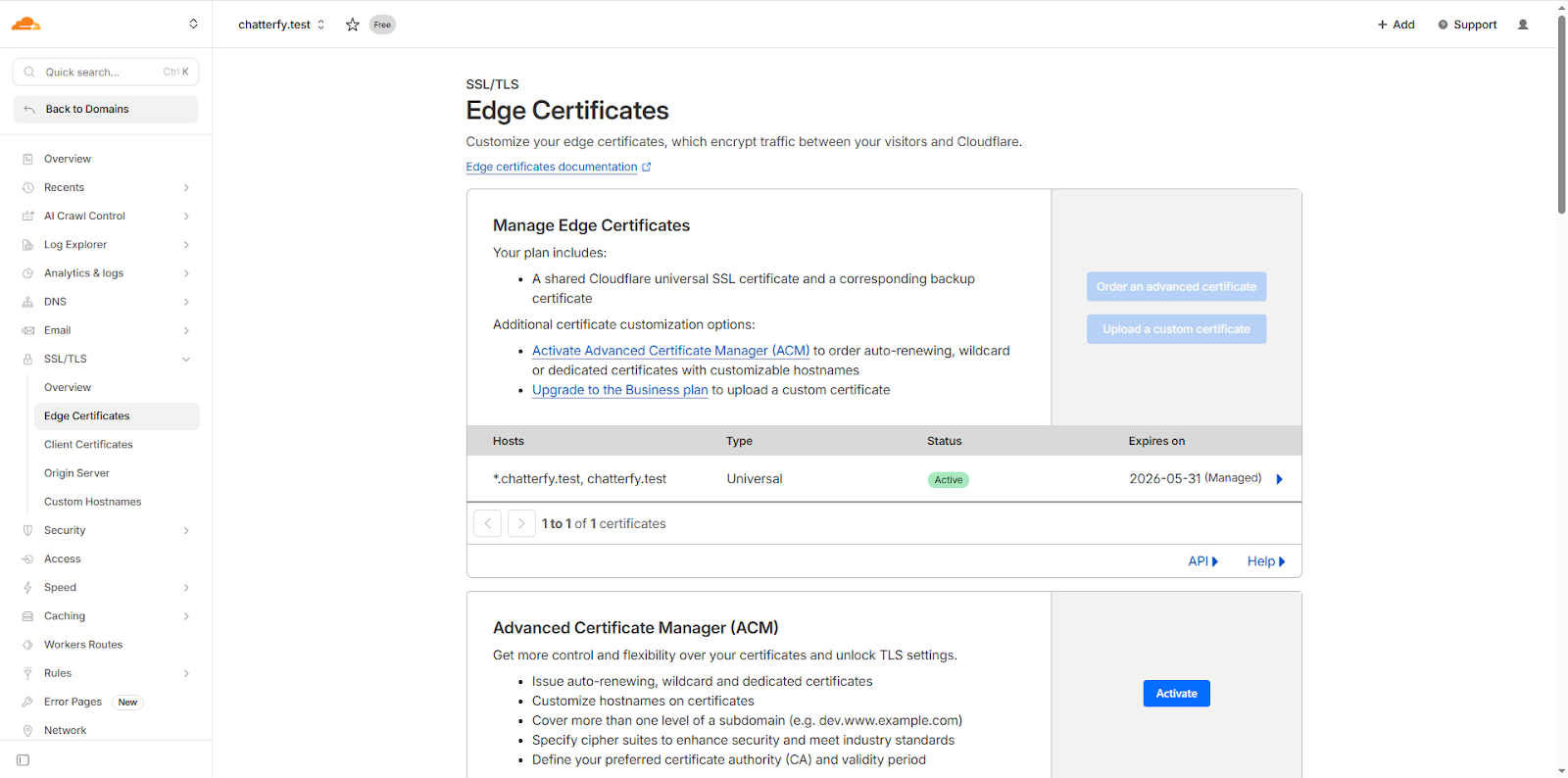
SSL/TLS → Edge Certificates Check in the browser
Openhttps://your-domain.comin the browser (you can use incognito mode to avoid cache). The padlock should be green or gray (not crossed out / no warning). If you see an error, wait a few more minutes.


Possible SSL errors
- — ERR_SSL_PROTOCOL_ERROR / ERR_CONNECTION_RESET — usually Full / Full strict mode instead of Flexible. Switch to Flexible.
- — Error 525 / 526 — Cloudflare cannot establish SSL with the destination servers. This is also a sign of the wrong mode. Enable Flexible.
- — NET::ERR_CERT_AUTHORITY_INVALID — the certificate has not been issued (status is not Active). Wait 15 minutes; if nothing changes, recreate the mode (turn it off → turn on Flexible).
- — The browser complains “Connection is not secure” — Cloudflare has not activated the domain yet (Pending status in Cloudflare). Wait until it becomes Active.
Use cases
Launching a new domain — affiliate arbitrage
A buyer purchased a new domain, added it to Cloudflare, and created a CNAME. They open it in the browser and see an SSL error. They go to SSL/TLS → Overview and see that the mode is Off (this is Cloudflare’s default for new domains). They switch it to Flexible. After 10 minutes, they check again — the domain opens over https.
Facebook ads rejected — performance marketing
The sales team added ads to Facebook with the link
http://offer.example.com. Facebook rejects them: “non-secure URL”. They check — the domain opens over http, but https does not work. They enable Flexible mode, rerun the ads after 15 minutes — moderation passes.After migration — bulk check
The team migrated from one hosting provider to Cloudflare for 5 domains. They went through each one: How to add a domain to Cloudflare, then SSL Flexible, then How to add a domain in Chatterfy. An hour later, all 5 domains are working over https and the campaigns are launched.
What to keep in mind
Use only
Flexible mode — the others will cause errors. Cloudflare also has an Always Use HTTPS option (SSL/TLS → Edge Certificates) — we recommend enabling it, so even http requests are automatically redirected to https. SSL covers the root domain and all subdomains via Universal SSL — you do not need to configure them separately. If the root domain works but a subdomain shows an error, SSL usually has not covered the new subdomain yet (5–15 minutes). Do not use paid SSL — Cloudflare Free provides everything you need.FAQ
Related


Was this article helpful?