

User Information — basic lead data
The User Information block in Chat data is read-only lead data received from Telegram. You cannot change it (Telegram manages it itself), but it is needed for integrations, support, and search. It is
The User Information block in Chat data is read-only lead data received from Telegram. You cannot change it (Telegram manages it itself), but it is needed for integrations, support, and search. It is the lead’s “ID card” in the system.
When to open this
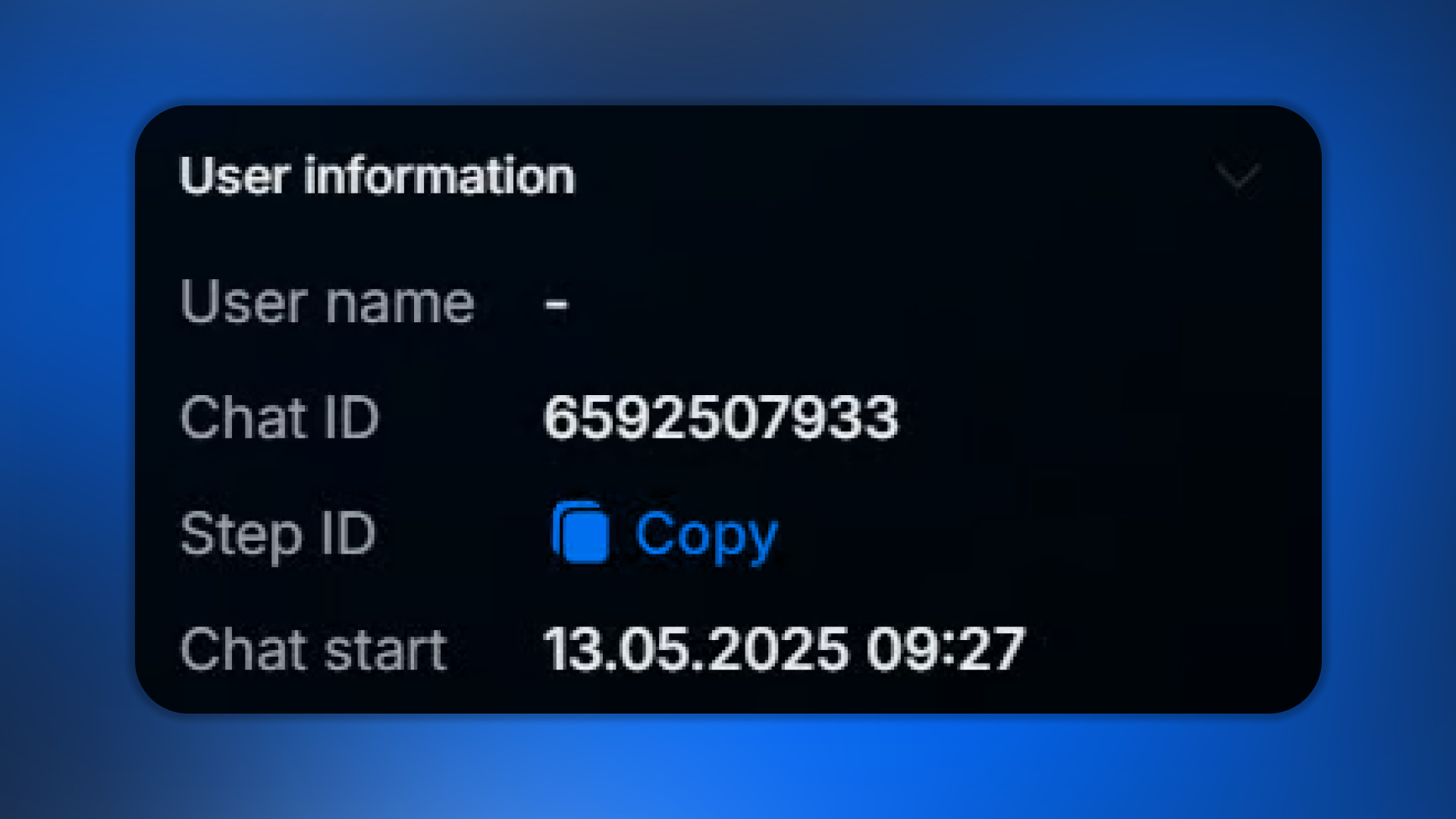
If you need a Chat ID for an outgoing webhook, copy it from here. If a lead wrote to support (“nothing works”) and you need to find them on your side, copy the Telegram ID and find them using the filter in Users. When debugging a flow, you need to know which step the lead is on — Step ID. If you want to check how long the lead has been with us, use the dialog start date.
What is displayed
Field | What it shows | When needed |
|---|---|---|
Username | @name in Telegram (or empty if the lead did not specify one) | Find the lead in Telegram, mention them in support |
Telegram ID | Unique user ID in Telegram | Unique lead binding, search using a filter |
Chat ID | Unique dialog ID | Webhook, manual sending via API, support |
Step ID | ID of the current flow step | Flow debugging, manual routing |
Dialog start date | When the lead first wrote to the bot | Understand the lead’s “freshness,” filter by Created At |
Username vs Telegram ID vs Chat ID — the difference
These three concepts are often confused. Here is what each one means:
Username — the user’s public @name in Telegram. It can change (the user changed their handle) or be absent (the user has not set a username).Telegram ID — the user’s unique, permanent ID. It does not change. If the username is empty or changes, the Telegram ID remains the same.Chat ID — the unique ID of the conversation between this user and your bot. The same user will have different Chat IDs for different bots of yours. Used in the API.Which ID to use
To find a user in your data, use Telegram ID (stable). To send a message via the Telegram Bot API or webhook, use Chat ID. Username is for mentions in regular text, but NOT for technical identification (it can change).
Step ID
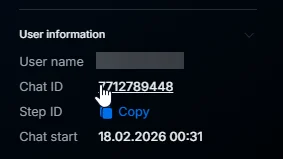
Step ID is the internal identifier of the current step in a flow. It is usually needed only for debugging or integrations. In Manual, you see the step name in human-readable language. Here, you see the technical name (UUID or slug).
Conversation start date
When the first
Contact occurred — the lead sent the bot their first message. Used in filters User filtering — 11 parameters(the Created At parameter), for segmentation such as “new leads in the last 7 days.”Do not confuse with Subscribe
The conversation start date is the first Contact (the user wrote to the bot). Subscribe is the first subscription to the channel / bot launch — it may happen earlier, and is counted separately in Tracker.
Usage examples
Scenario 1 — webhook integration:
You want to send a Chatterfy chat to an external CRM when a certain event occurs.
Webhook step → pass Chat ID + custom data.
The external CRM finds / creates a record by Chat ID — Chat ID becomes the primary key.
Scenario 2 — support is looking for a specific lead:
The lead wrote to support: “Something isn’t working for me.”
Support asks: “Send us your Telegram username or ID.”
Lead: “@vasya123”.
Scenario 3 — debugging a flow with support:
AI is not responding for a specific lead.
The operator copies the Step ID + Chat ID and sends them to the support chat with a description of the issue.
Support uses the ID to reproduce and diagnose the issue.
What to keep in mind
Username can change
A Telegram user can change or delete their @username at any time. After that, the old username will no longer work — searching by it will not find the lead. If you need stable identification, store and search by Telegram ID, not by username.
Frequently asked questions
Related


Was this article helpful?