How to top up a company Topping up the balance is a required step when creating a company. Without a balance, the company will not be activated. Payments are made in USDT, with a minimum of $100. Chat
Updated June 21, 20262 min
How to top up a company
Topping up the balance is a required step when creating a company. Without a balance, the company will not be activated. Payments are made in USDT, with a minimum of $100. Chatterfy generates the wallet address in the Billing section.
What to prepare
Owner or Admin access to the Company. Without these roles, the Billing section is unavailable.
A wallet with USDT on the TRC20 or ERC20 network — Trust Wallet, MetaMask, Binance, or another wallet.
At least $100 USDT to send.
1
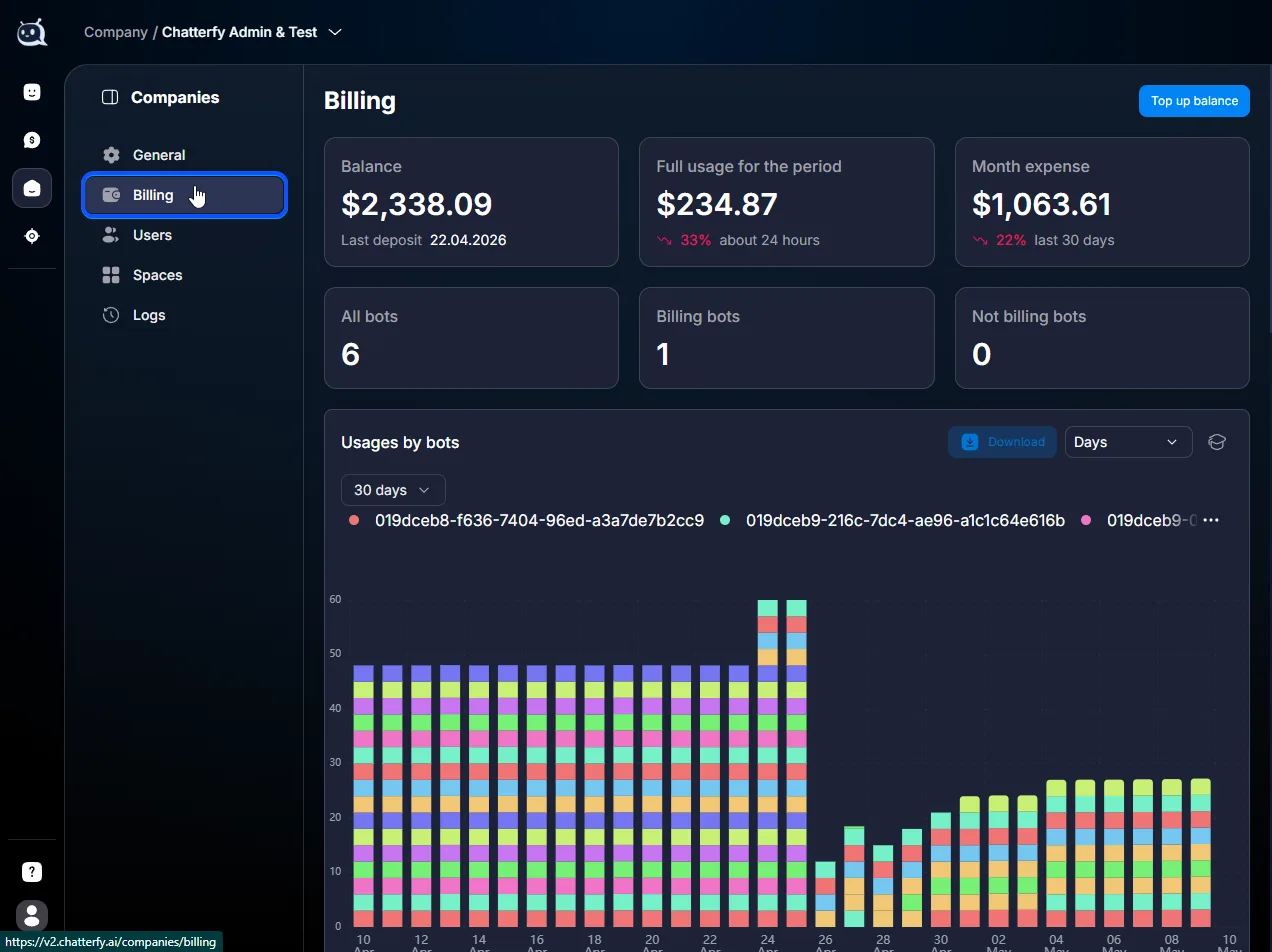
Open Company → Billing
The section is in the left menu of Company.
2
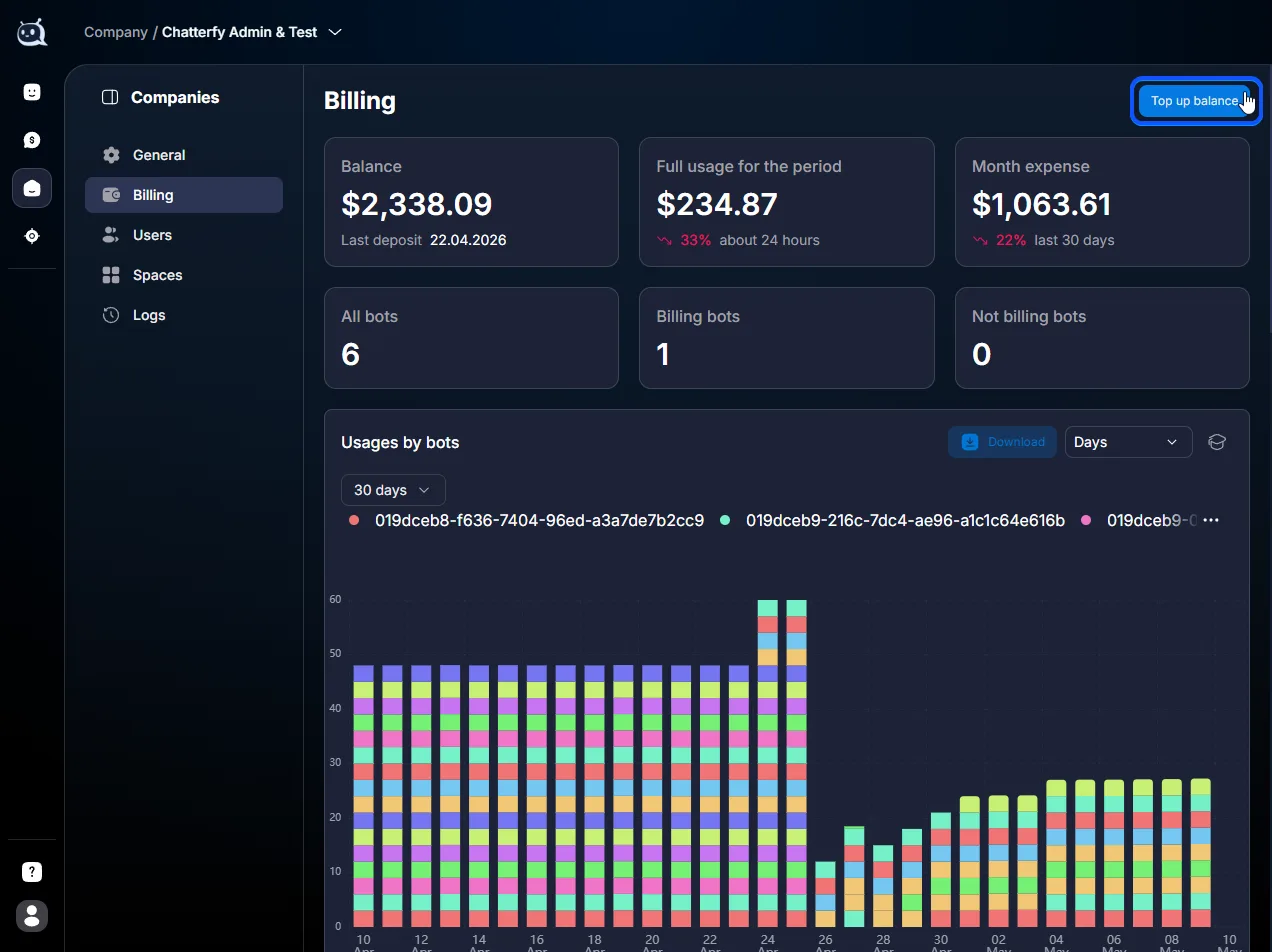
Click Top up balance
The top-up button is at the top of the section.
3
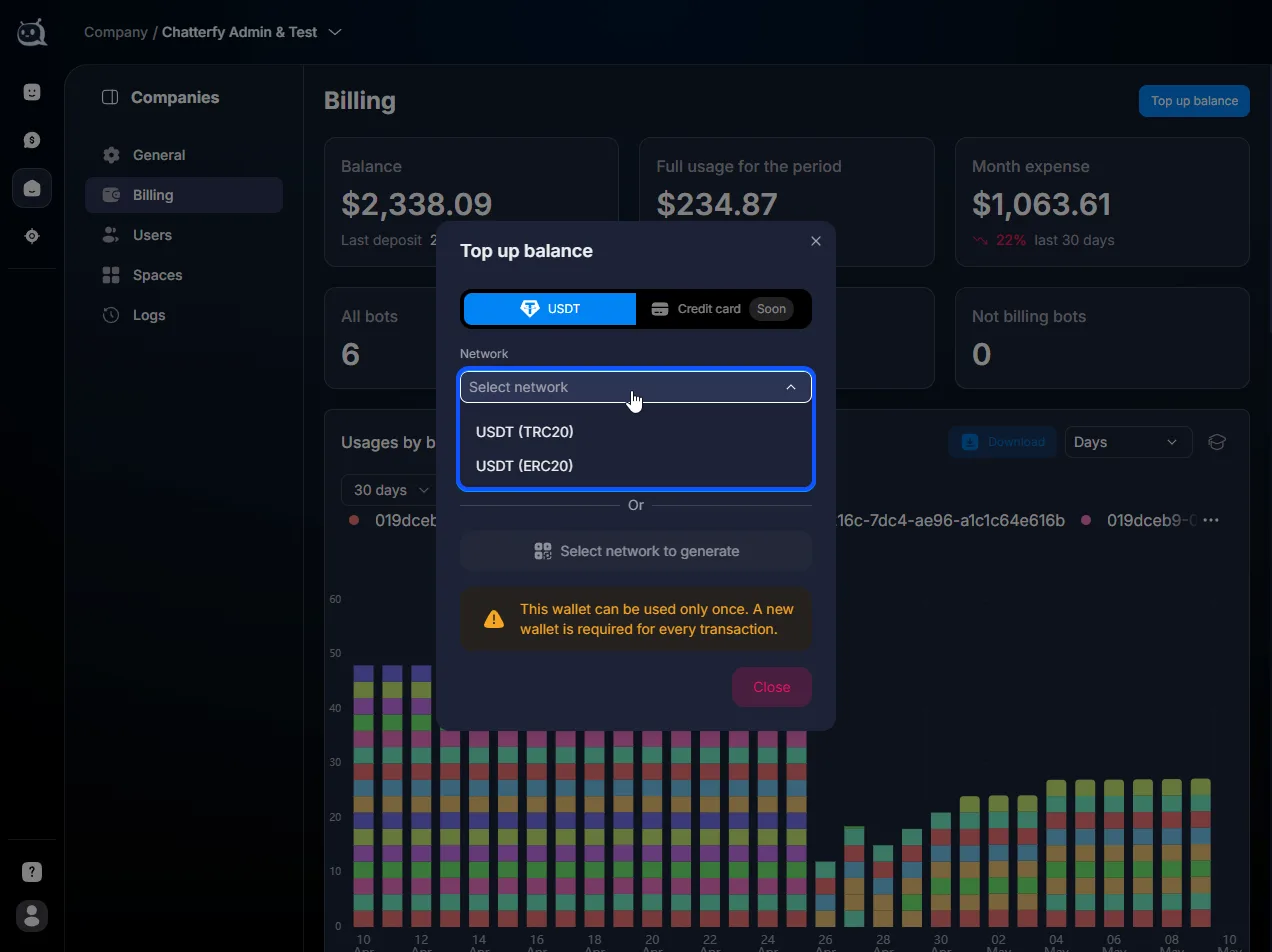
Select a network
Two networks are available:
USDT (TRC20)
USDT (ERC20)
4
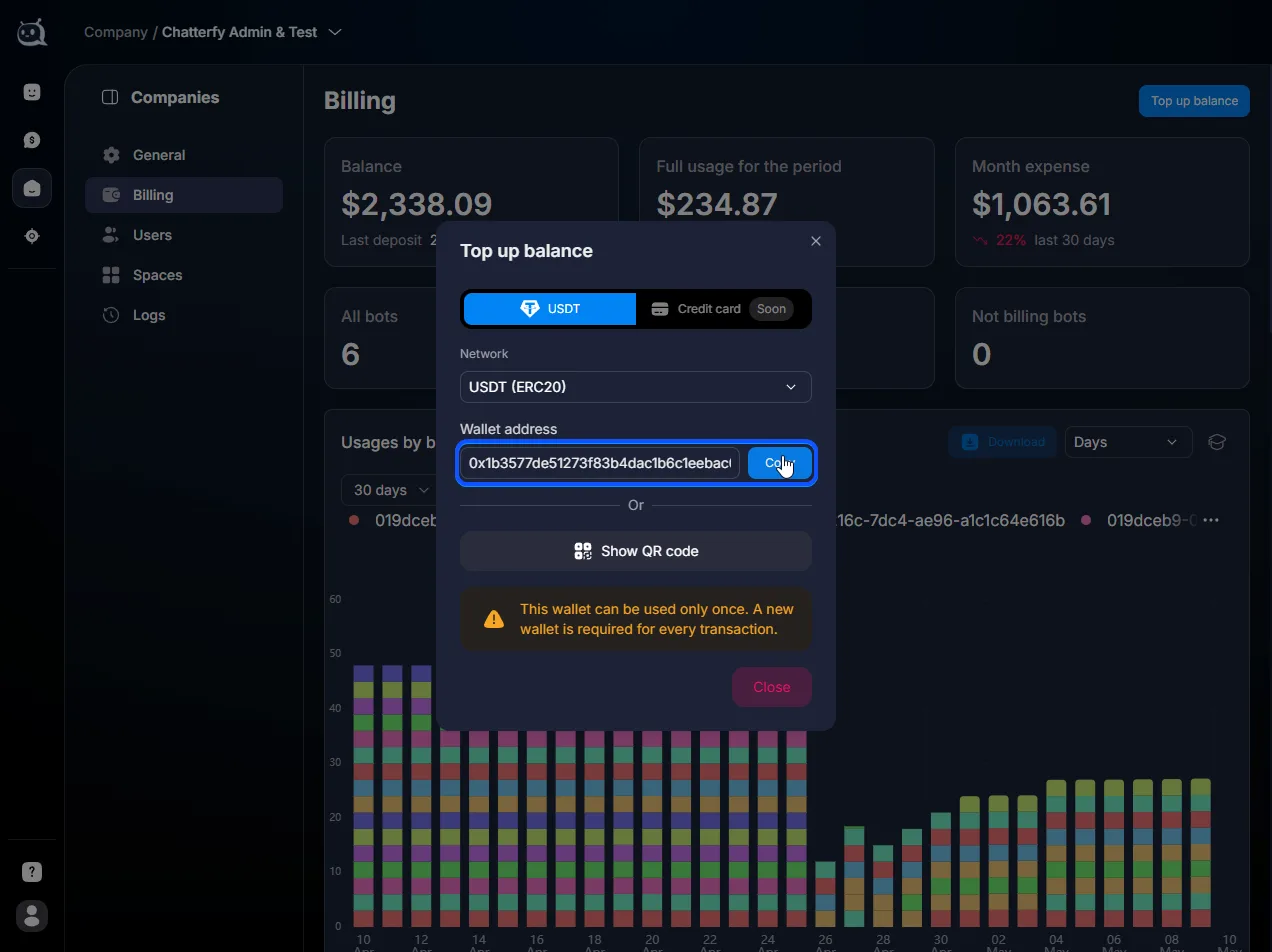
Copy the wallet address
You can copy the address as a text string or scan the QR code.
The address is one-time use and tied to the selected network. Do not use an old address from a previous top-up — the funds may not be credited. A transfer on a different network (for example, USDT BEP20 to an ERC20 address) will also not be credited. Check the network in your wallet before sending.
5
Send the amount to the address
At least $100 USDT on the selected network. The destination address must be only the one generated by Chatterfy at this step.
Expected result
The company balance will increase after the transaction is confirmed on the network. You do not need to confirm the top-up manually in Chatterfy. Credit time:
TRC20 — usually a few minutes.
ERC20 — may take up to an hour depending on network load.
The top-up record will appear in Top-up history with the amount, network, status, and time.
If it doesn't work
An hour has passed, but the funds have not been credited
Open Top-up history — the record may already be in pending status.
If there is no record, copy the TXID (transaction hash) from your wallet and write to the technical chat in Telegram. Without the TXID, it is harder to find the payment.
Sent via an unsupported network
If the funds were sent via BEP20, Polygon, Solana, or another unsupported network, they will not be credited to Chatterfy. Contact support with the TXID and details. Fund recovery is not guaranteed and is handled on a case-by-case basis.
The amount credited is less than the amount sent
The network charges a fee — the amount depends on the network and its load. TRC20 is usually cheaper than ERC20. If the discrepancy is large, check the TXID in a block explorer (tronscan.org for TRC20, etherscan.io for ERC20).