

AI Reply — smart replies via AI
The AI Reply step is the main step for communicating via AI. In this step, the bot generates a response using a neural network, taking into account the lead’s message, the conversation context, flow-l
The AI Reply step is the main step for communicating via AI. In this step, the bot generates a response using a neural network, taking into account the lead’s message, the conversation context, flow-level instructions ( AI Settings — Bot Personality) and the step’s own settings.
AI Reply has 5 configurable blocks that define AI behavior in this specific step: goal, transition condition, legend, additional information, lock flag. Each one affects the result.
When to use
The lead needs a non-standard reply — to their specific question or objection. You want to automate communication by replacing operators with AI. The funnel involves a dialog (qualification, support, sales), not one-way sending. AI must “decide” what to do based on the lead’s response (via Routings or Requirements).

How it works
Takes Global Legend, Restrictions, and Response Style from AI Settings into account.
Takes this step’s Goal, Legend, and Reply Addition into account.
Analyzes the conversation history.
Generates a response.
Checks Requirements — has the transition condition been met?
If yes, goes to the next step. If not, stays on this one.
Settings — general parameters
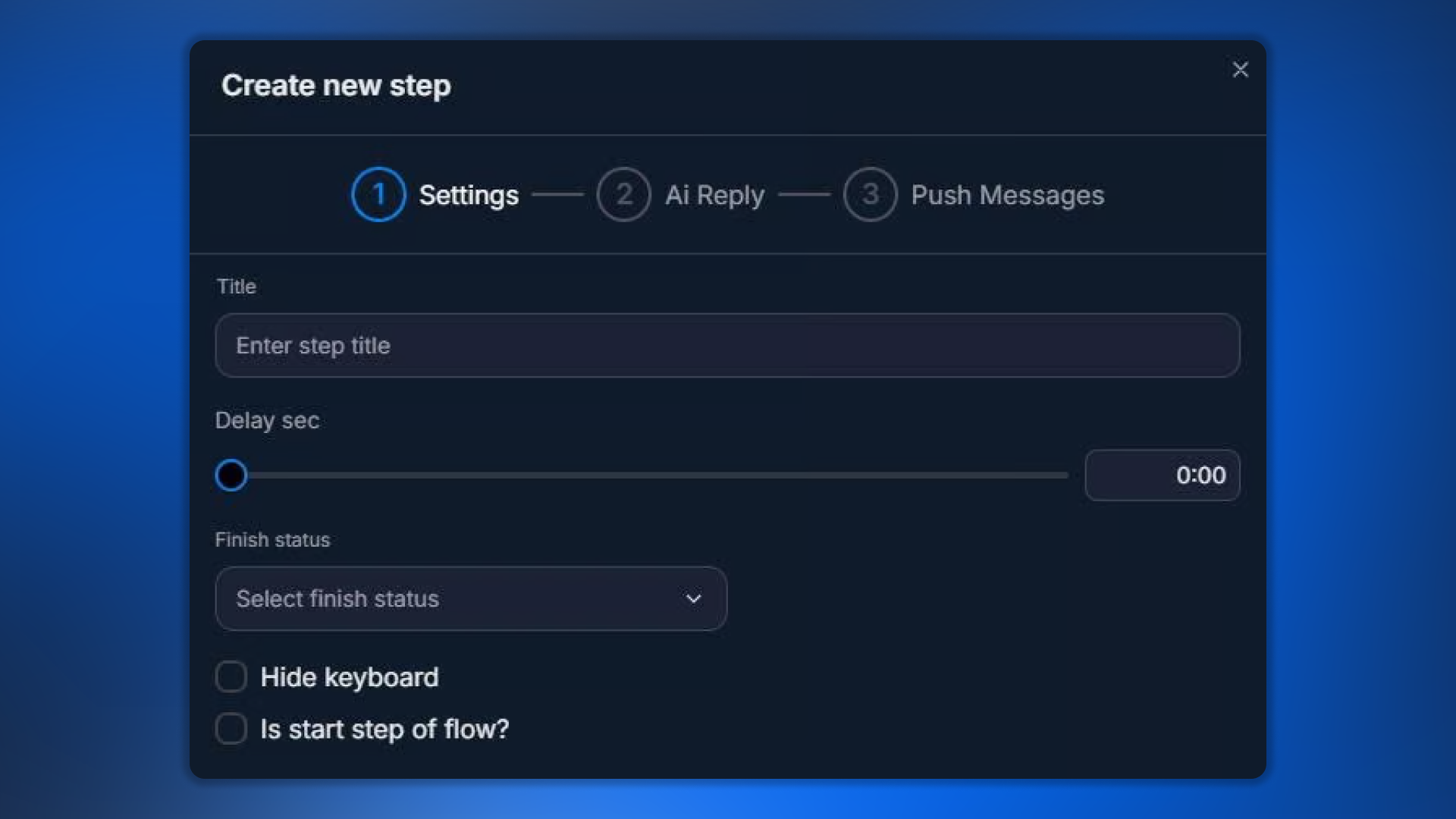
Parameter | What it defines |
|---|---|
Title | Step name in the flow |
Delay | Delay before execution (added on top of AI reply speed) |
Finish Status | Usually not specified — the step manages it itself |
Hide keyboard | Hide the keyboard from the previous step |
Is start step of flow | Set as start |
Skip the transition to next step | Never proceed — stay on this AI Reply |
5 AI Reply blocks
Each block controls a specific aspect of AI behavior. You don’t have to use them all — Goal + Requirements are sufficient as the minimum.
1. Goal — step goal

Goal defines what the AI must achieve at this step. For example: “Clarify which country the lead is in” or “Confirm that the lead is ready to proceed to registration”.
A good Goal is specific and measurable. A bad one is “general conversation” (the AI does not understand what to do). Use the format “find out X” / “convince them of Y” / “get an answer to Z”.
2. Requirements — transition condition

The condition under which the AI moves to the next step. The AI evaluates the lead’s message: does it meet the requirement? If yes — transition. If no — stay on the step.
Phrase it so that the answer can be
YES / NO. For example: “User confirmed they want to register” (YES if they confirmed, NO if not yet).Requirements vs AI Routings
If you use AI Routings (see the ai-routings step below), Requirements IS NOT USED — Routings handles all transition logic. Use either Requirements (one path forward) or AI Routings (multiple paths based on meaning).
3. Legend — local step legend

An additional legend only for this step. It is considered together with the Global Legend from AI Settings and does not replace it.
Use it when a specific step needs additional details about the persona or situation. For example, on the price discussion step: “You are now in negotiation mode — be flexible but firm on minimum”.
Do not duplicate the Global Legend
If the base legend is already in AI Settings, do not repeat it here — it bloats the context. Include only what is SPECIFIC to this step here.
4. Reply Addition Info — additional information

Additional data that AI should take into account in the final response. You can use variables:
{{variables.regLink}} — to insert the link.{{fields.country}} — to use the field value in the response.Specific facts — “Today's special: 50% discount on first deposit”.
This is the place for “contextual hints” that AI should weave into the response.
5. Skip transition blocking on first run

Fine-tuning for cases where the lead already meets the Requirements even before AI responds. For example, the lead says in the first message, “I'm ready to register” — the Requirements are met immediately.
Enabled | Behavior |
|---|---|
OFF (default) | AI will still generate a response before the transition — the lead will receive a message from the bot, then move to the next step |
ON | If the Requirements are already met — transition immediately without a message from AI |
Use ON when you do not want to spend tokens on a response that adds no value (the lead is already ready to move on).
Push Messages in AI Reply
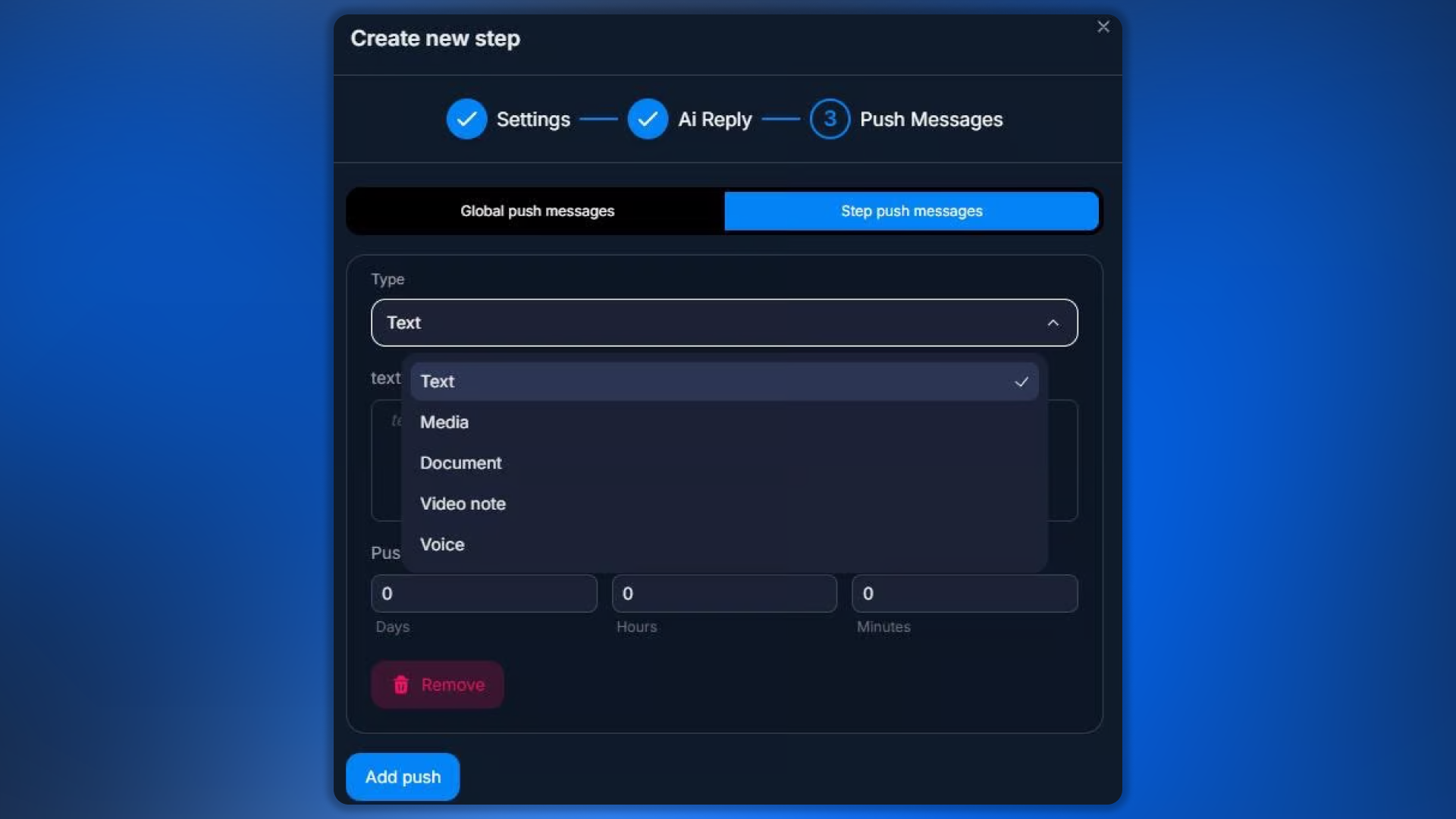
If the lead stays silent after a message from AI, you can enable pushes:
Global push messages — the bot's global push messages.
Step push messages — push message settings specifically for this AI Reply.
Where to view working examples
Chatterfy has a Demo space with ready-made flows for different use cases. To see how AI Reply steps are configured in real funnels:
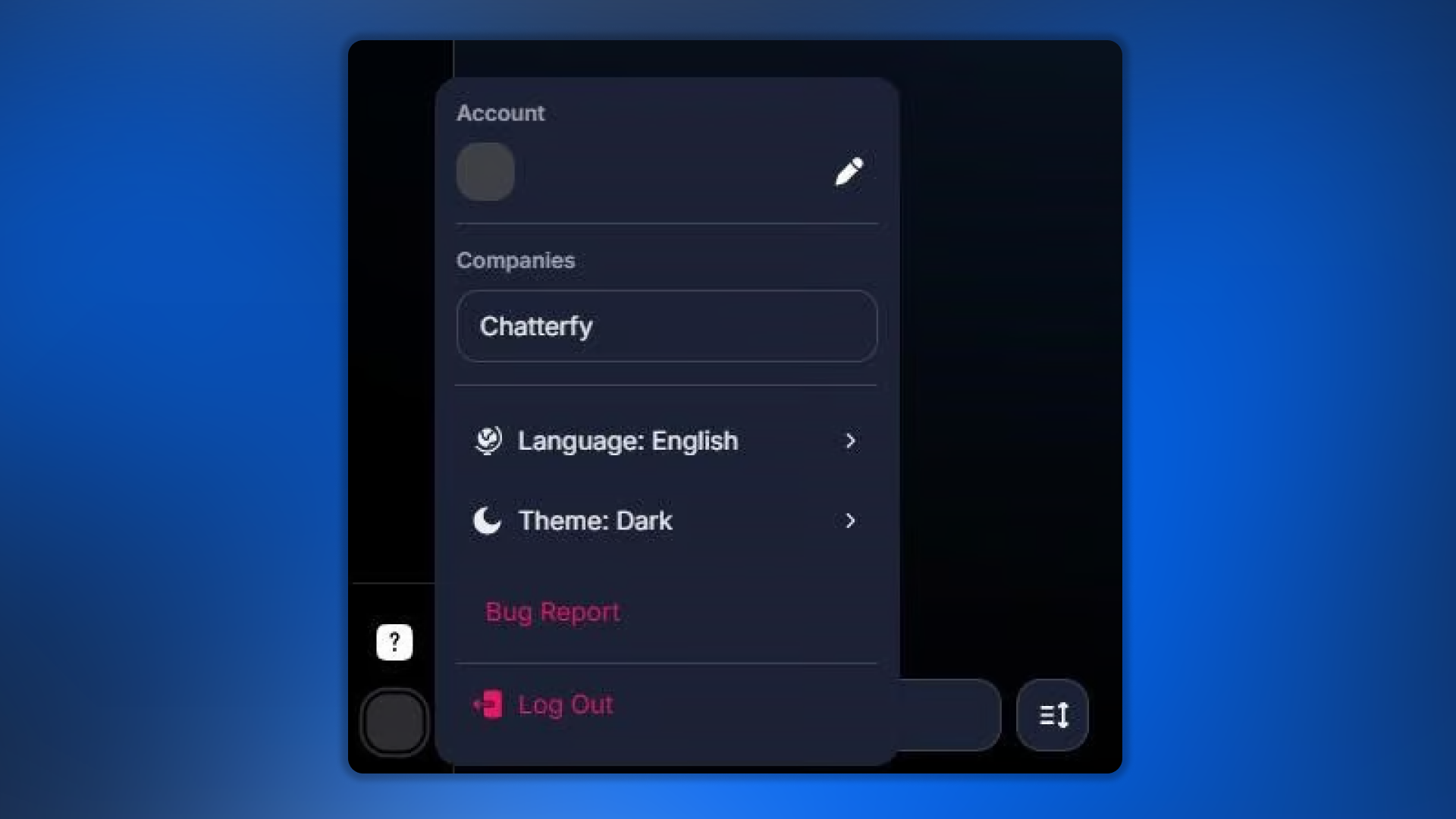
Go to the Chatterfy company → Demo space → select a bot → Flow Settings. There are ready-made AI Reply steps with real prompts there.
Example AI Reply setup
Budget-based lead qualification step:
AI Reply config exampleplaintext
Title: Qualify budget
Delay: 30 sec
Goal: Find out the user's monthly budget for trading.
Requirements: User mentioned a specific budget amount or range.
Legend: (empty — using global)
Reply Addition Info: If user mentions less than $100, gently say our minimum start is $100. If more — encourage to start.
Skip transition blocking: ON
Connection to AI Routings
AI Routings are an alternative transition mechanism after AI Reply. Use them when you need multiple branches (based on the meaning of the lead's response), not just one.
With Requirements — one path forward. If the lead's response matches, we follow the single next connection. If not, we wait.
With AI Routings — multiple paths. Each Routing describes a condition. The lead goes to the corresponding branch.
When you connect AI Routings, Requirements are not used in this step (Routings takes over the logic). See AI Routings — semantic routing.
What to keep in mind
The main point about AI Reply
Transition logic in AI Reply is built through Requirements (or AI Routings), NOT through Finish Status. Do not try to use Finish Status to control the transition — it is for the dialogue status afterward, not for flow logic.
Frequently asked questions
Related


Was this article helpful?