

AI Routings — semantic routing
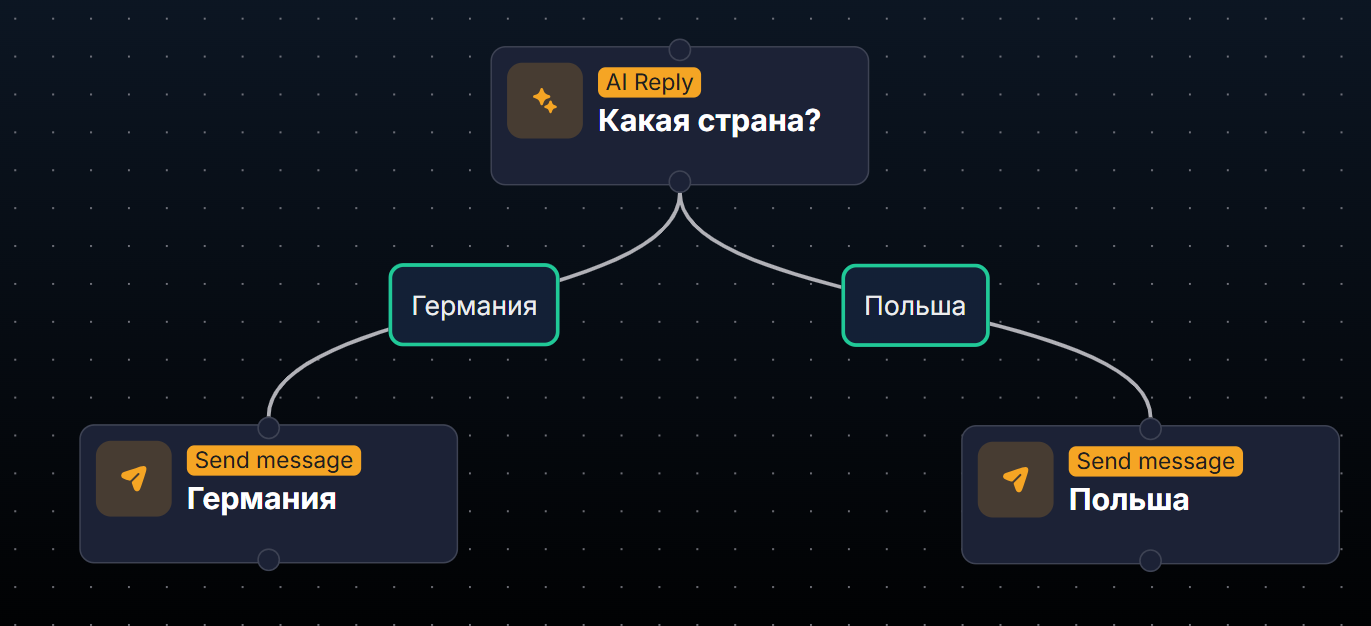
The AI Routings step is fuzzy routing. It is connected after AI Reply and routes the lead to different next steps depending on the meaning of their reply. Conditions are described in natural language;
The AI Routings step is fuzzy routing. It is connected after AI Reply and routes the lead to different next steps depending on the meaning of their reply. Conditions are described in natural language; AI interprets them.
This is an alternative to Condition — conditional branching (exact field-based conditions). Use Routings when you need to understand the MEANING of the lead's reply (intent, country, objection), and Condition when you need to check the EXACT value of a field or tag.
When to use
A lead may answer the same question in different words — you need to classify their intent. Segment leads by country based on their messages. Handle objections — “too expensive / not sure / no time.” Determine the type of support request (technical / billing / general).
How it works
The AI Routings step is fuzzy routing. It is connected after AI Reply and routes the lead to different next steps depending on the meaning of their reply.
AI Reply analyzes the lead's reply and generates its response.
In parallel, AI evaluates each connected AI Routing — has its condition been met?
If it has been met, the lead moves to that Routing branch.
If none of the conditions are met, the lead stays on AI Reply, and we wait for the next message.
AI Routings vs Condition
This is the most common point of confusion. In short: AI Routings are about the MEANING of the lead's reply (fuzzy logic, AI interprets it), while Condition is about EXACT values (tag exists, field = X, deposit > Y). See the detailed comparison below.
AI Routings vs Condition
Aspect | AI Routings | Condition |
|---|---|---|
What it checks | Meaning of the lead's message | Field, tag, or status value |
Precision | Fuzzy (AI interprets it) | Exact (Boolean logic) |
When it triggers | Only after AI Reply, on an incoming message | Anywhere in the flow, on any trigger |
How the condition is written | Natural language in English | Structured operators (is, has, more than) |
AI usage | Uses AI Summary/Router | Does not use AI |
Cost | Spends tokens on each Routing | Free |
Simple rule: if you can describe the condition precisely (tag = X, field > Y) — Condition. If you need to understand intent by meaning — Routings.
When to use which one
The lead said “not interested” — Routings (phrases may be “I don’t want to,” “leave me alone,” “no need” — all of them must be recognized).
The lead has the VIP tag — Condition (an exact tag check).
The lead asked about the price — Routings (“how much,” “what's the price,” “cost” — synonyms).
Total Deposit > $100 — Condition (numeric comparison).
A lead from Germany (based on messages, not a tag) — Routings (identifying the country from context).
Custom Field exnovaId is not empty — Condition.
Setup
Settings
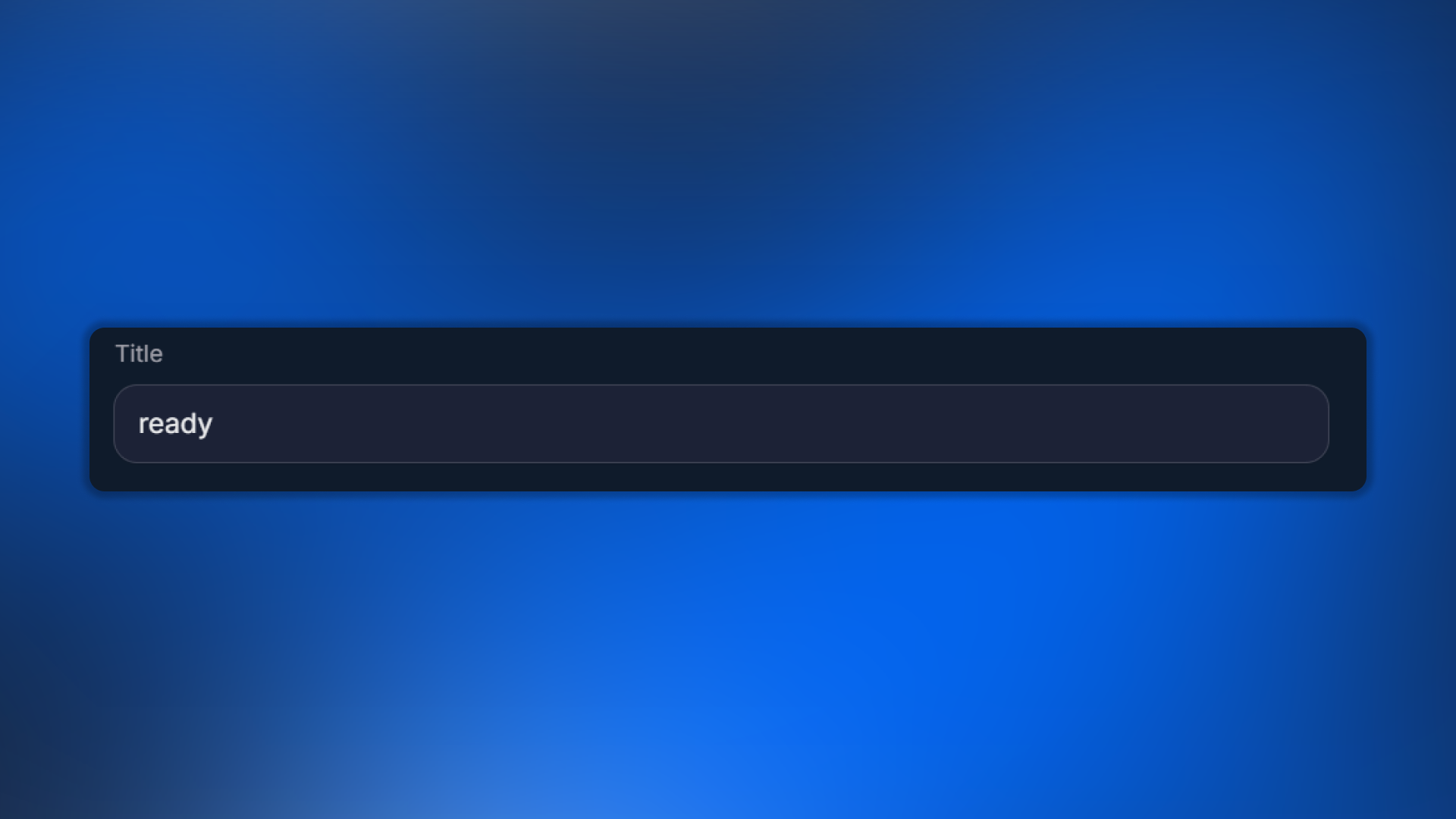
Title — a short name (use logical names: “Germany,” “Has objection,” “Asks price”).
AI Routing — condition
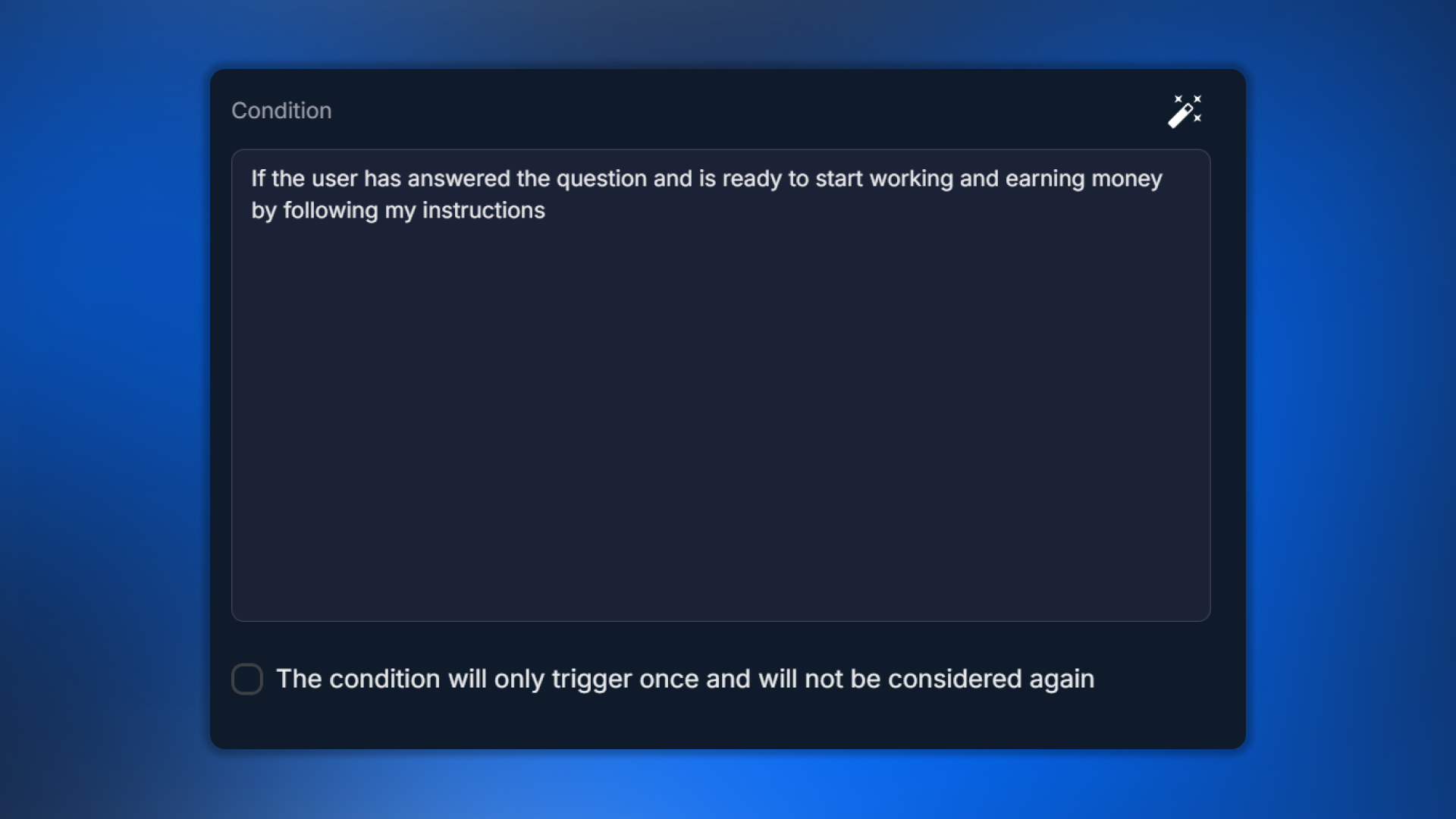
The condition is written in free-form English. One Routing — one condition. Do not overload a single rule with multiple parameters.
Good examples of conditions:
"User confirmed they want to proceed with registration""User mentioned they are from Germany or speak German""User raised an objection about price being too high""User asked about delivery time or shipping options"Bad examples:
"User says yes" — too general. What does “yes” refer to?"Country = Germany OR France OR UK" — multiple conditions in one."User is good lead" — subjective; AI will not understand it.AI Helper — condition generation
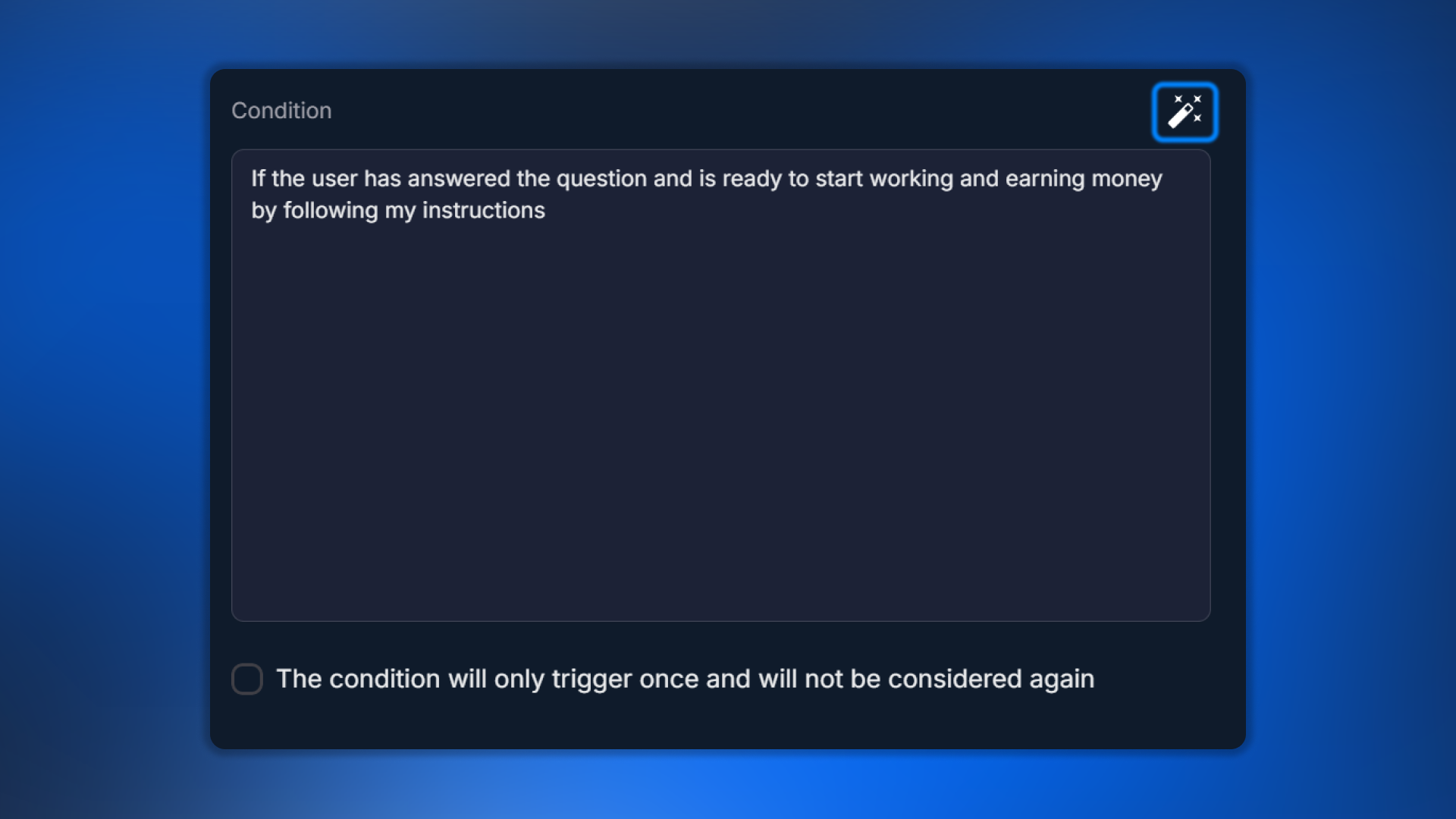
If you are not sure how to formulate a condition, use AI Helper:
Briefly describe the meaning in Russian.
Click AI Helper.
AI will suggest several wording options in English.
Choose the appropriate one → Apply.
One-time triggering
The
The condition will only trigger once and will not be considered again option means the Routing triggers only once. If the lead matches the condition again after a few messages, this Routing will no longer trigger; other Routings will be checked.Use this to prevent a lead from getting “stuck in a loop” on one branch: for example, after the first response to an objection, move on to closing instead of lingering.
Example scenario
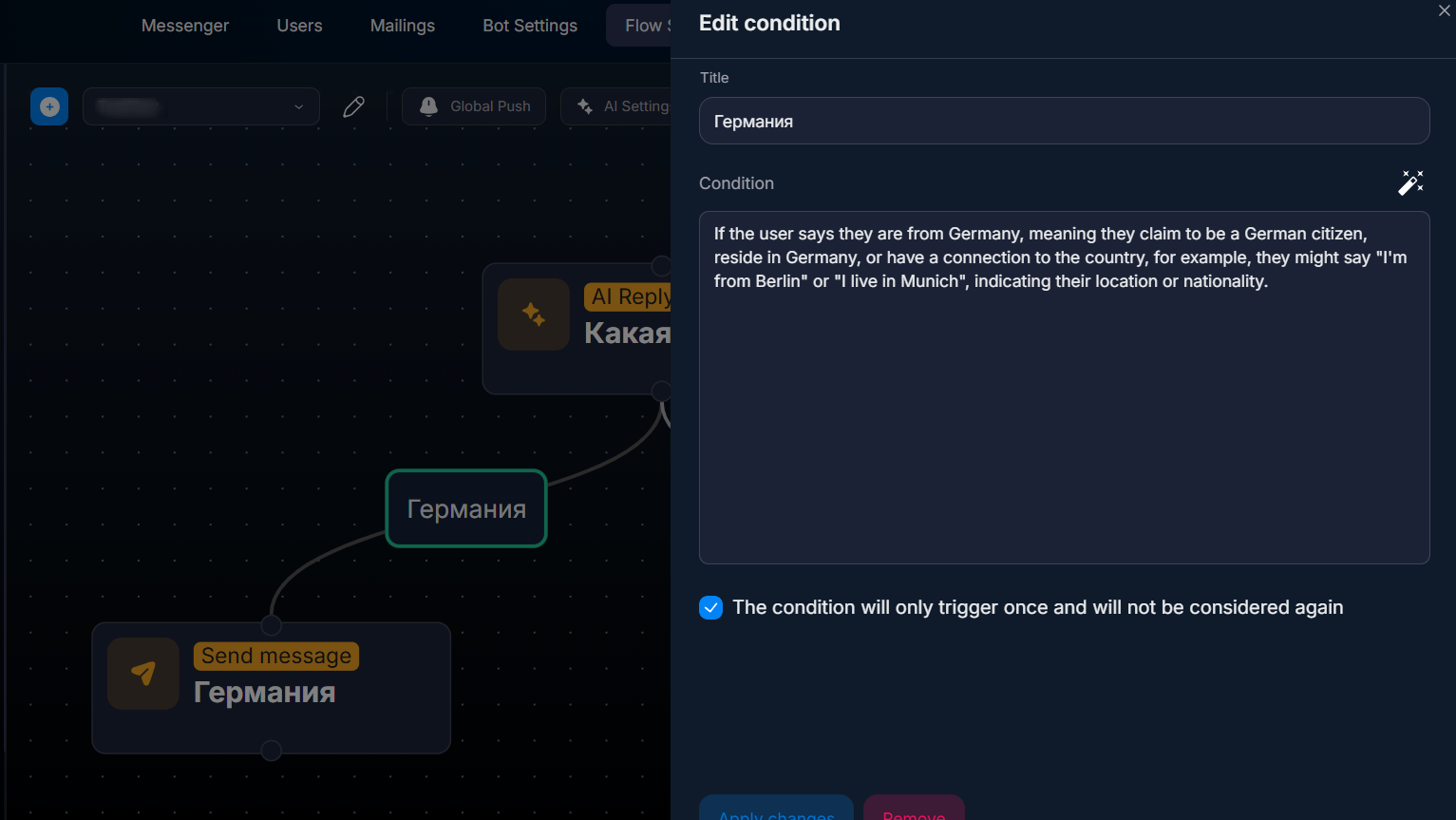
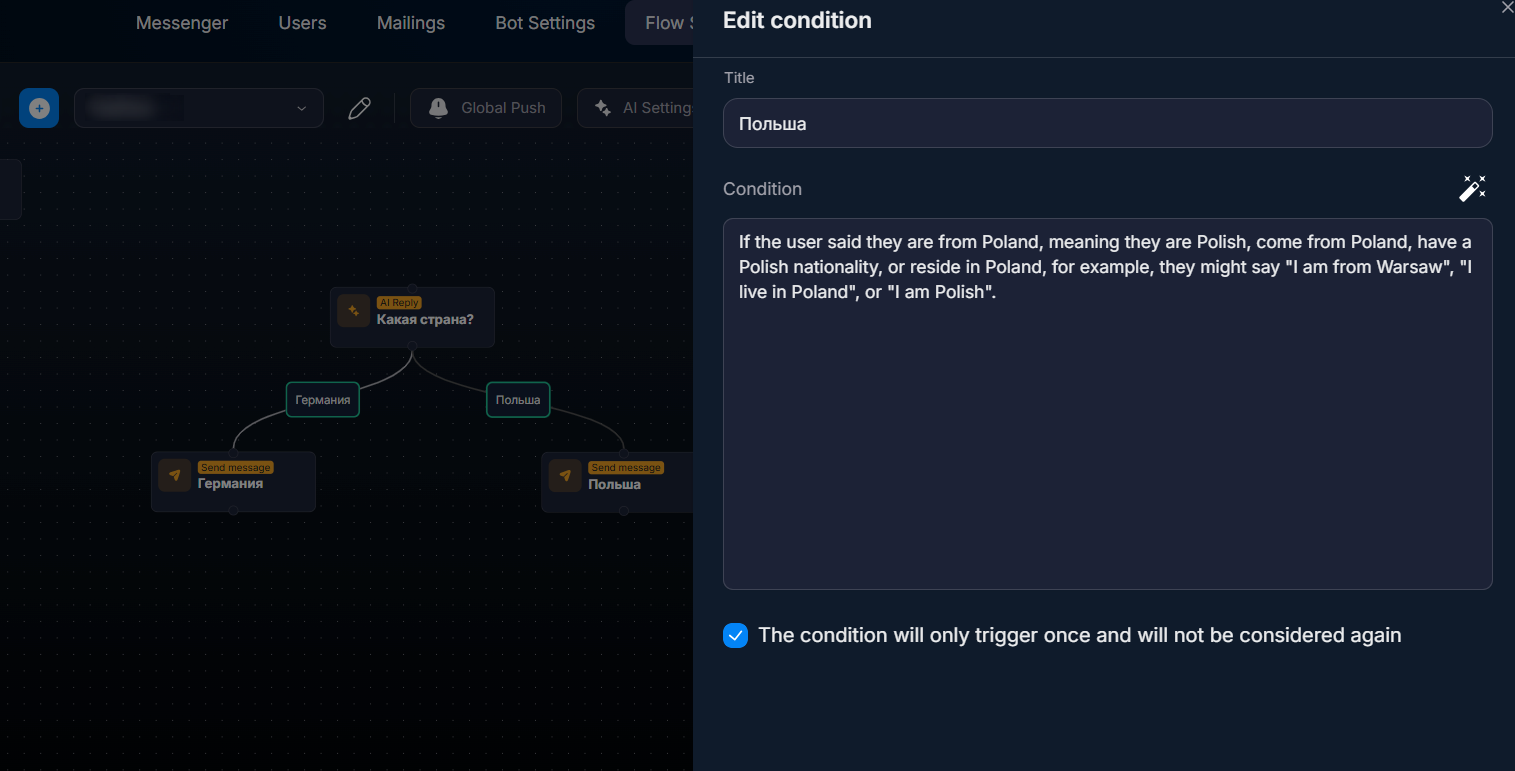
AI Reply asks the question “Where are you from?”. Two Routings branch off from it:
“Germany” —
"User mentioned they are from Germany"“Poland” —
"User mentioned they are from Poland"The lead answers “I'm from Berlin” → Germany Routing triggers → transition to the German branch. If it were “Warsaw” → Poland Routing.
What to keep in mind
Only after AI Reply
AI Routings can be connected ONLY to an AI Reply step, not to other steps. If you want branching anywhere in the flow, use Condition (it works after any step).
Conditions that are too broad
The condition “User said something positive” is too broad; it will trigger on anything positive. Be more specific: “User confirmed interest in registration” is more precise. The narrower the condition, the more accurate the routing.
FAQ
Related


Was this article helpful?