

Change sale status — update the sale stage
The Change sale status step automatically assigns to a lead. Unlike tags, there is only one sale-status at a time—the new one replaces the previous one. Used to track sales funnel stages: “Subscriptio
The Change sale status step automatically assigns Sale Status — sales funnel stages to a lead. Unlike tags, there is only one sale-status at a time—the new one replaces the previous one.
Used to track sales funnel stages: “Subscription → Registration → FD → RD”. Each stage is a separate sale-status. The team sees where each lead is in the funnel, and analytics calculates conversion.
When to use
After a sale event in a partner postback — Change sale status → “FD”. After a Re-deposit — “RD”. After AI qualifies a lead — “Qualified”. After a call is scheduled — “Calling”. Any key transition in the sales funnel = a Change sale status step.

How it works
Settings
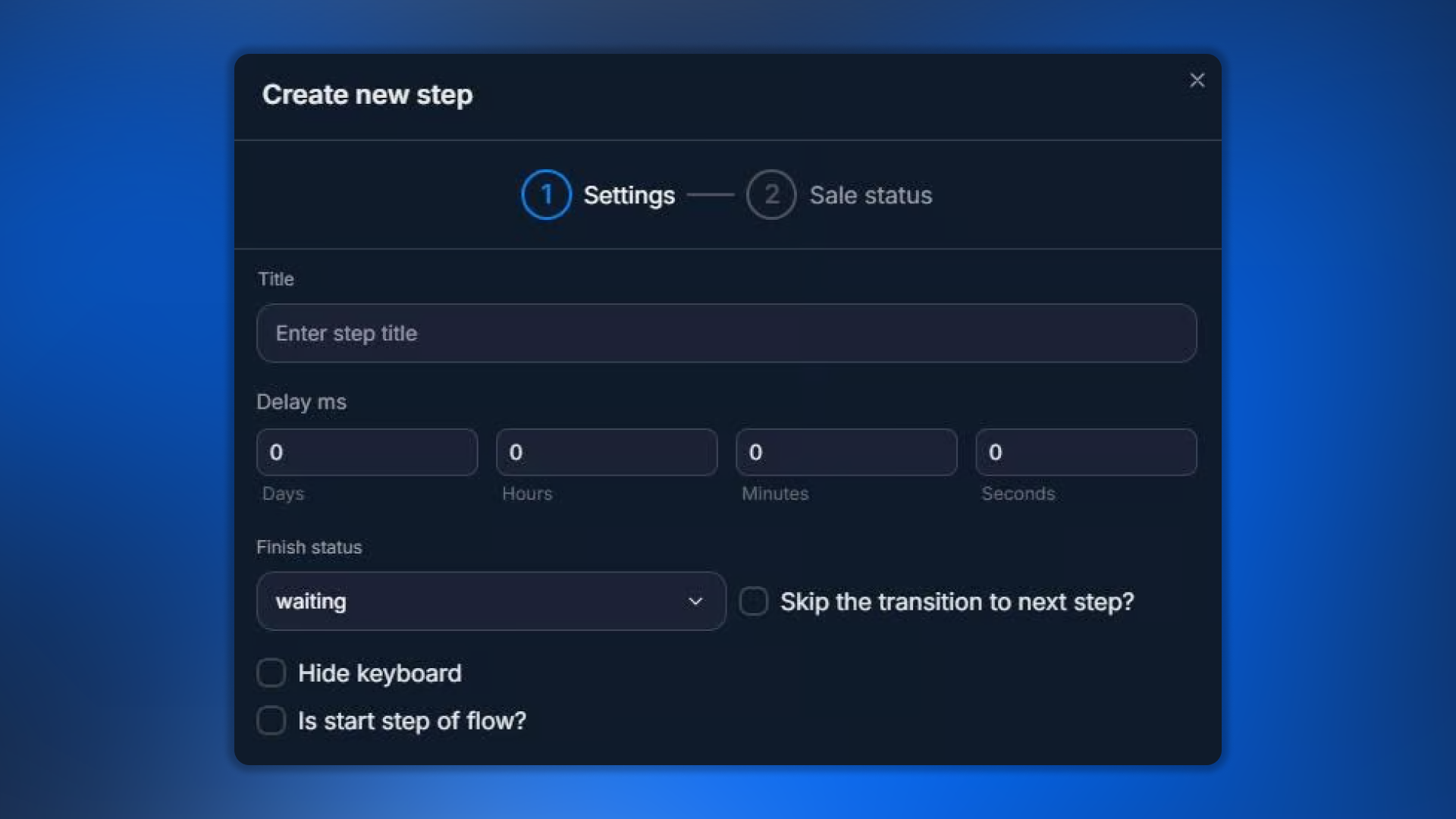
Parameter | What it defines |
|---|---|
Title | Step name |
Delay | Delay before applying |
Finish Status | Dialog status |
Hide keyboard | Hide the keyboard |
Is start step of flow | Make it the start step |
Skip the transition | Do not transition automatically |
Sale status — selection
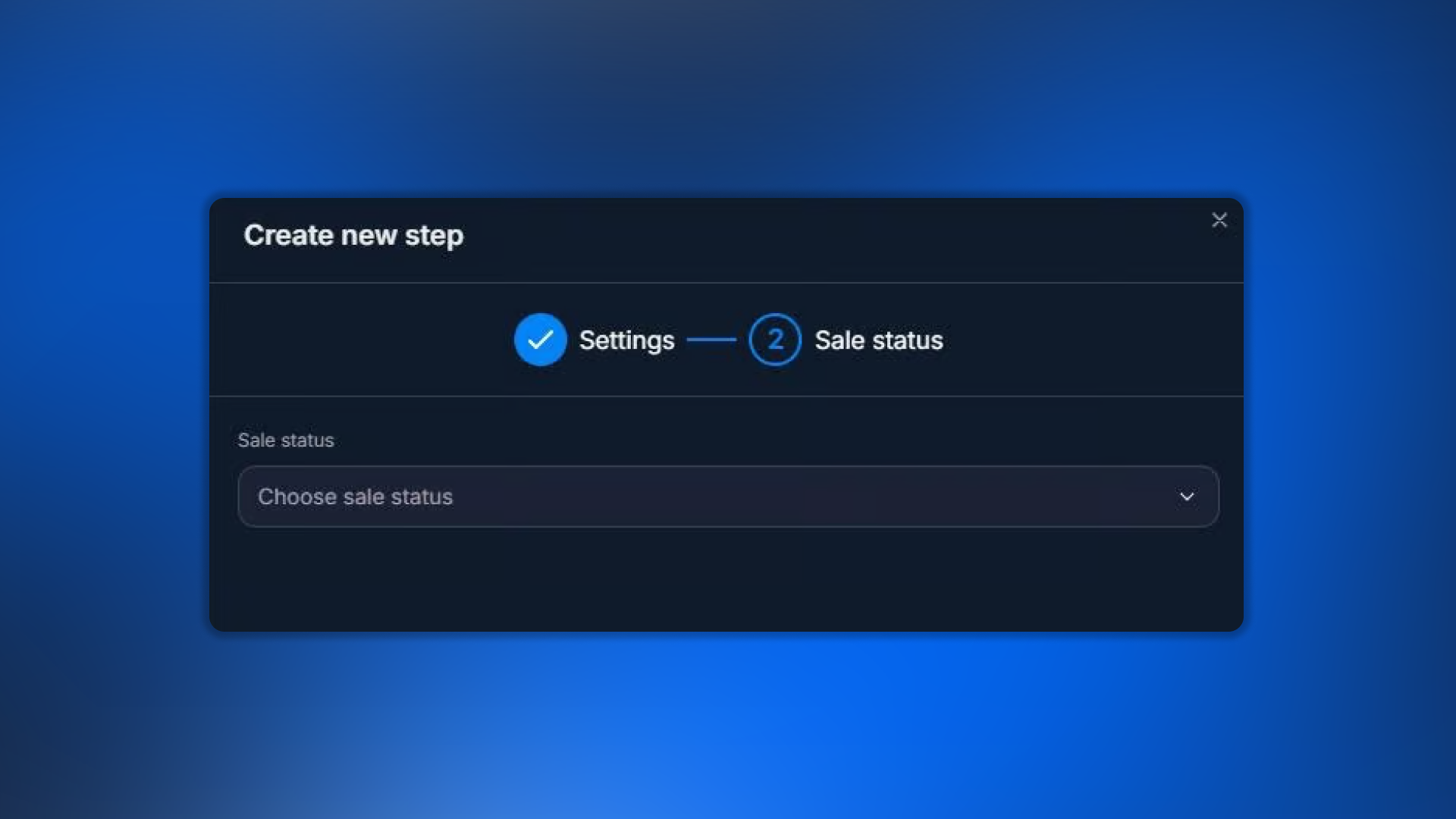
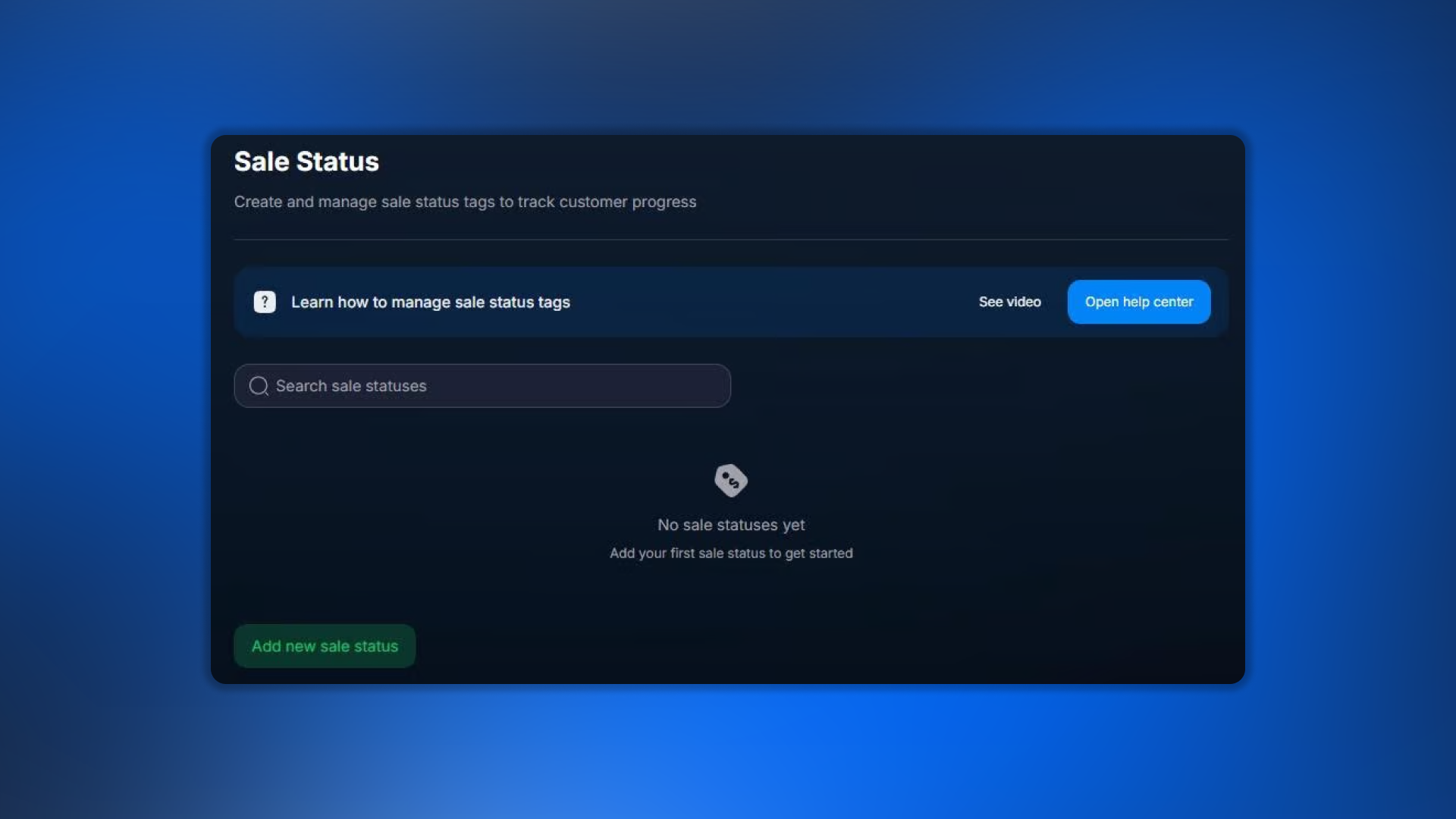
Select from the list of statuses created in Sale Status — sales funnel stages. If the required status is not in the list, create it first, then return to the step.
Create statuses in advance
Before using the step, all required Sale Statuses must be created in Bot Settings → Sale Status. See /crm/bot-settings/sale-status. The step does not create statuses automatically.
Funnel example
A standard arbitration funnel with automatic sale-status changes:
A lead messaged the bot for the first time → Change sale status →
Subscribed.Registration in the affiliate program (postback) → Change sale status →
Registration.First deposit (postback sale) → Change sale status →
FD.Repeat deposit (postback resale) → Change sale status →
RD.No activity for 30 days → Change sale status →
Churn.Analytics for these statuses shows funnel conversion.
FAQ
Related


Was this article helpful?