

Push Messages — Re-engaging Silent Users
Push messages are delayed messages that are sent if a lead does not respond at the current step. This is a nurturing tool: the first reminder after 10 minutes, the second after an hour, the third the
Push messages are delayed messages that are sent if a lead does not respond at the current step. This is a nurturing tool: the first reminder after 10 minutes, the second after an hour, the third the next day.
Push is not a separate step — it is a settings block inside other steps (Send message, AI Reply). There is also a separate step Custom Push — a separate step for push notifications for cases when you specifically need a separate push chain.
When to use
A lead subscribed but does not respond after the first message — nurture them after 10 minutes. A lead got stuck at the registration step — remind them after an hour. A lead did not make a deposit — send a push after a day with an additional offer. In sales — remind them about a scheduled call one hour beforehand. Any situation where lead silence = risk of loss.
How it works
The step sent the main message → waits for a reply.
If the lead does not respond within the specified time, the first push is sent.
Next, the second push is sent after its own delay, then the third, and so on.
If the lead replied, the push chain stops.
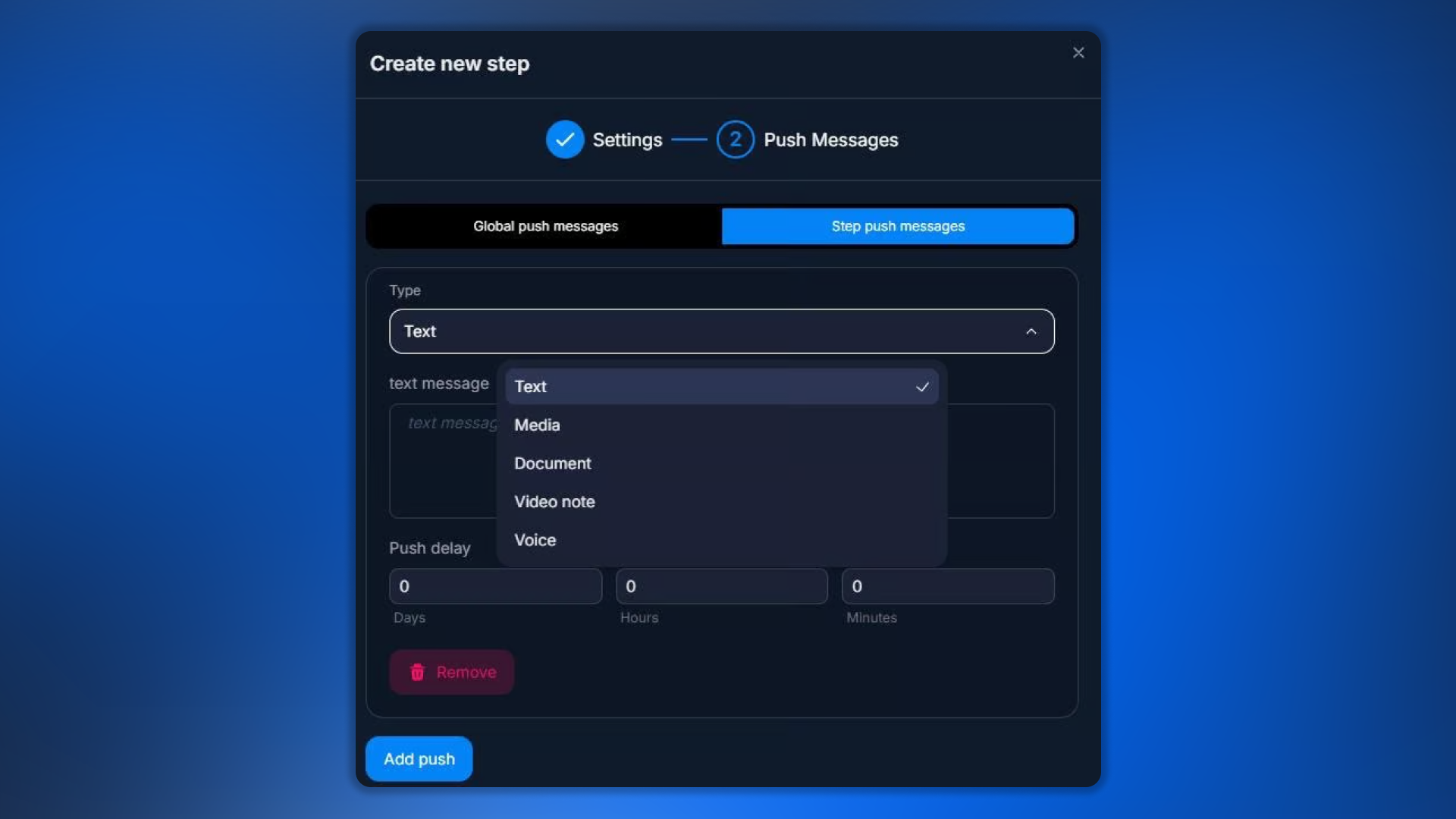
Types of content in a push
Text — a regular text message.
Media — images, videos.
Document — files.
Video Note — video circle.
Voice — voice message.
You can combine several pushes of different types in one step.
Global vs Step push messages
Two configuration levels:
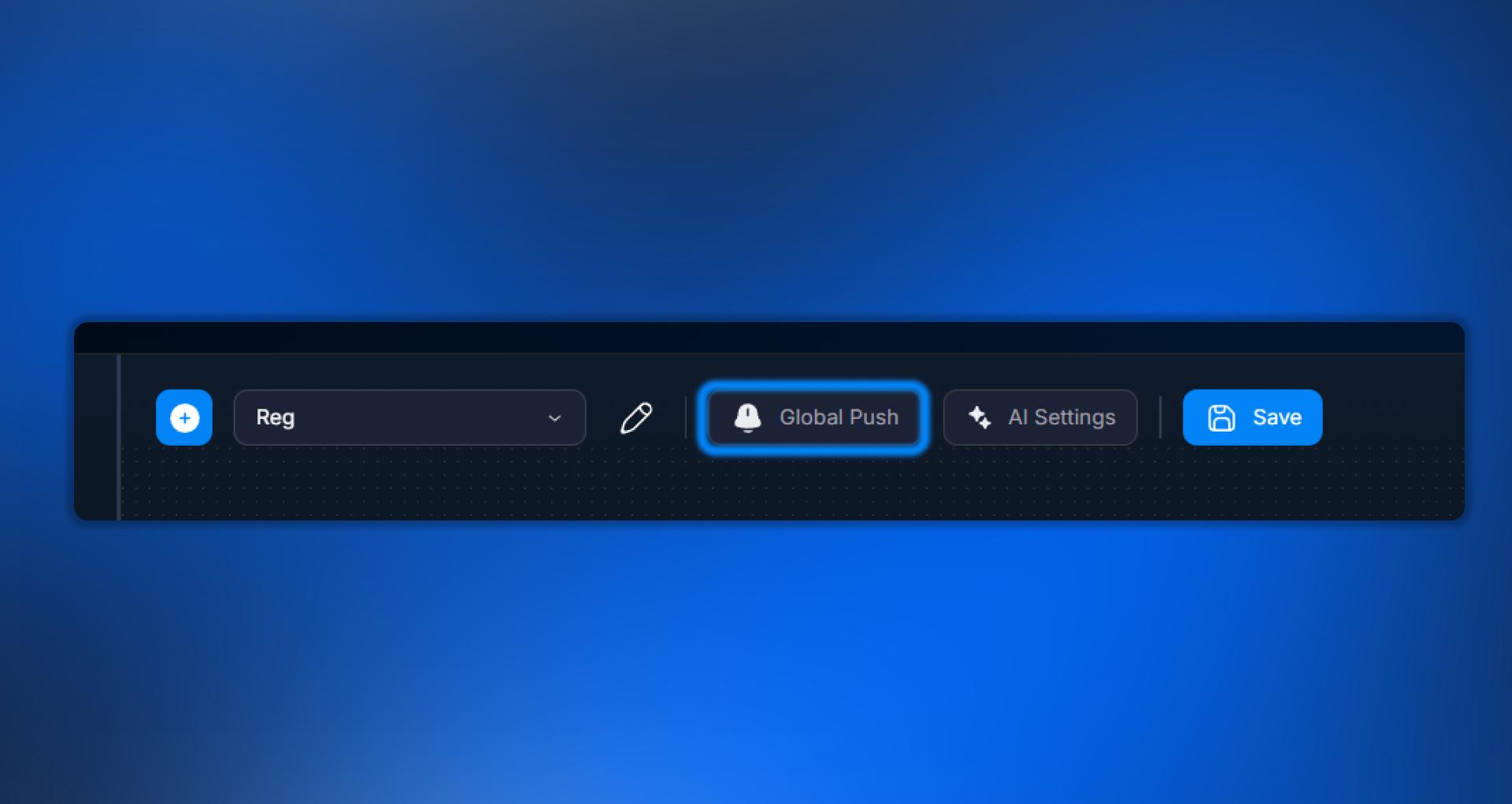
Global push messages are set globally at the bot level. They are used by default in all steps where “Use global pushes” is enabled. Convenient when the nurturing logic is the same for all steps.
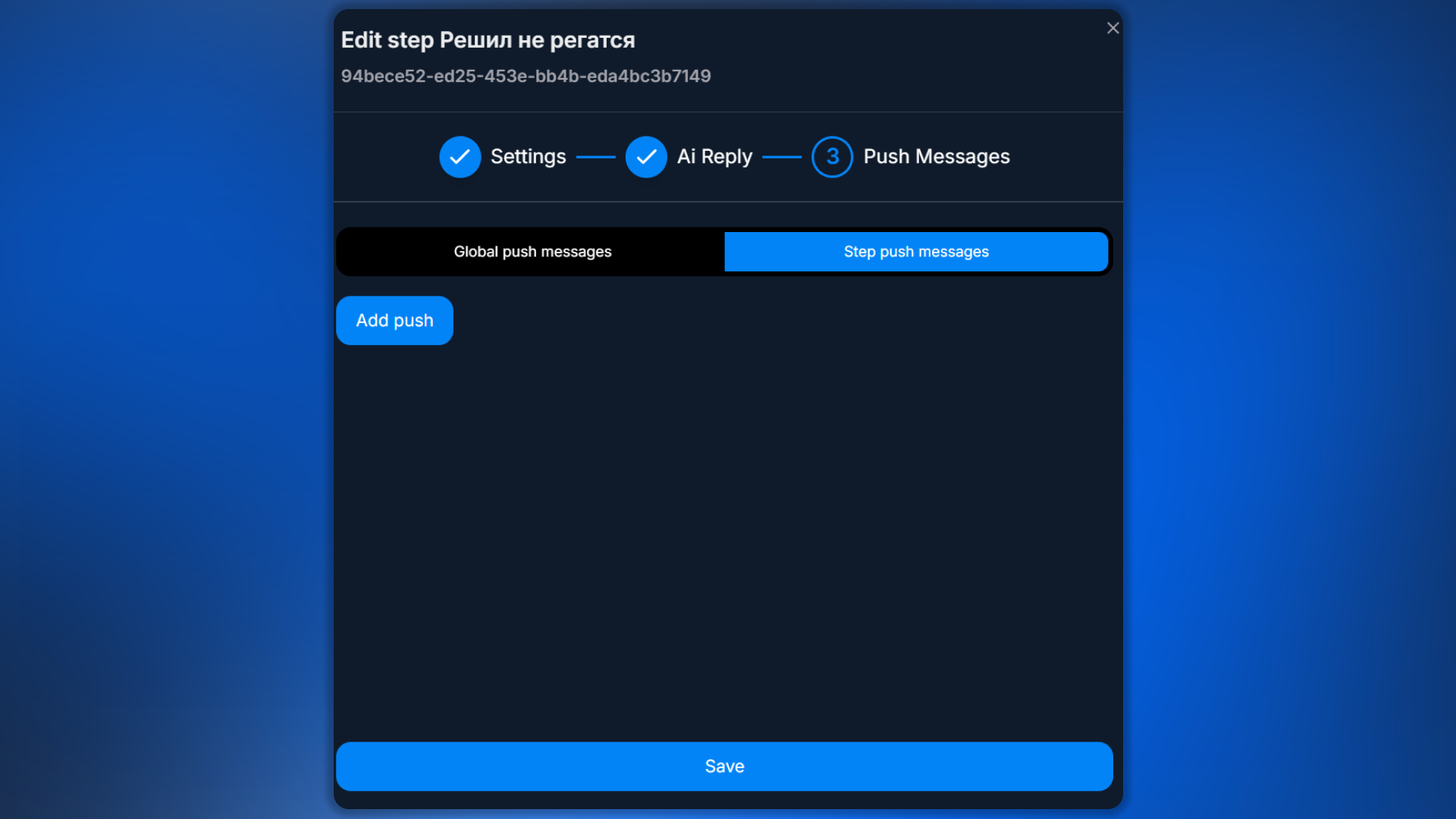
Step push messages — configured individually inside the step. They override global settings. Use them when a specific step needs special nurturing logic.
Example scenario
A lead subscribed to the channel and must complete registration in the affiliate program. If they do not reply, nurture them:
1-й push — через
10 минут: «Привет! Видел, ты подписался — готов начать?»2-й push — через
1 час: «Эй, всё ещё ждёшь? Регистрация займёт 2 минуты: {{variables.regLink}}»3-й push — через
1 день: «Если что-то пошло не так — напиши, помогу разобраться»If the lead replies at any stage, all subsequent pushes are canceled and the conversation continues along the main flow.
Important things to consider
Pushes do not work during a Delay step
If a step has a Delay set (a delay before the main message), pushes start counting AFTER the Delay, not during it. In other words, the lead first waits through the Delay, then receives the main message, and only after that does the push countdown start.
Telegram anti-spam
Pushes sent too frequently (especially with media) from one bot may trigger Telegram anti-flood protection. A safe pace is no more than 1 push every 5-10 minutes per lead. Longer intervals (hours, days) are fine.
FAQ
Related


Was this article helpful?