Skip to content
ChatterfyHelp Center
HomeGeneralCRMAI ManagerTrackerPlatformsFAQUpdate log
Main
Bot Settings
Automation & AI
CRM defaults
Flow Settings
AI Settings
Steps
Communication
Changes
Terms
Tracking
Additional
Messenger
Messenger
Logs — chat actions and exports
Tasks — team tasks
Inbox Control — Managing Your Chat List
Chat Status — conversation statuses
Smart Filters — advanced search in Messenger
Custom Filters in Messenger — Team-Saved
Translator — communicating with leads in different languages
Templates — Quick Reply Templates
Client card
Chat data
Events
Users
Mailings
Analytics
  1. CRM
  2. Messenger
  3. Logs — chat actions and exports

Logs — chat actions and exports

The Logs section in the bot stores a history of actions related to chats and bulk exports. It helps you understand who changed or deleted a chat and when, as well as monitor database exports. Chat Log

Updated August 30, 20261 min
The Logs section in the bot stores a history of actions related to chats and bulk exports. It helps you understand who changed or deleted a chat and when, as well as monitor database exports.

Chat Logs

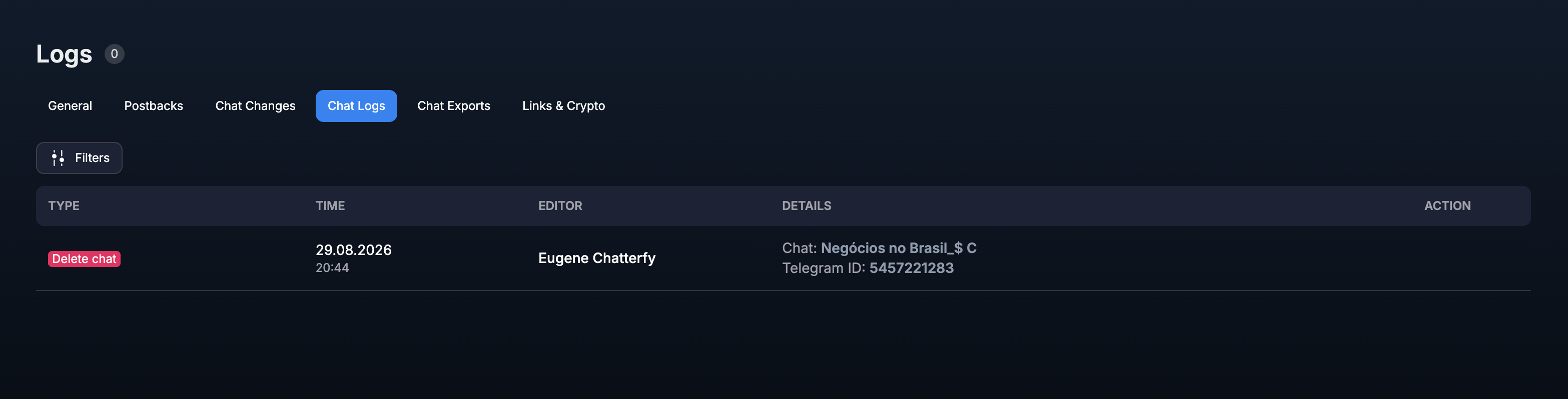
Open Logs → Chat Logs to view actions performed on dialogues. The table displays Type, Time, Editor, Details, and the available action in each row.
Chat Logs tab
Example of a chat deletion record with the timestamp, the person who performed it, and details.


Chat Exports

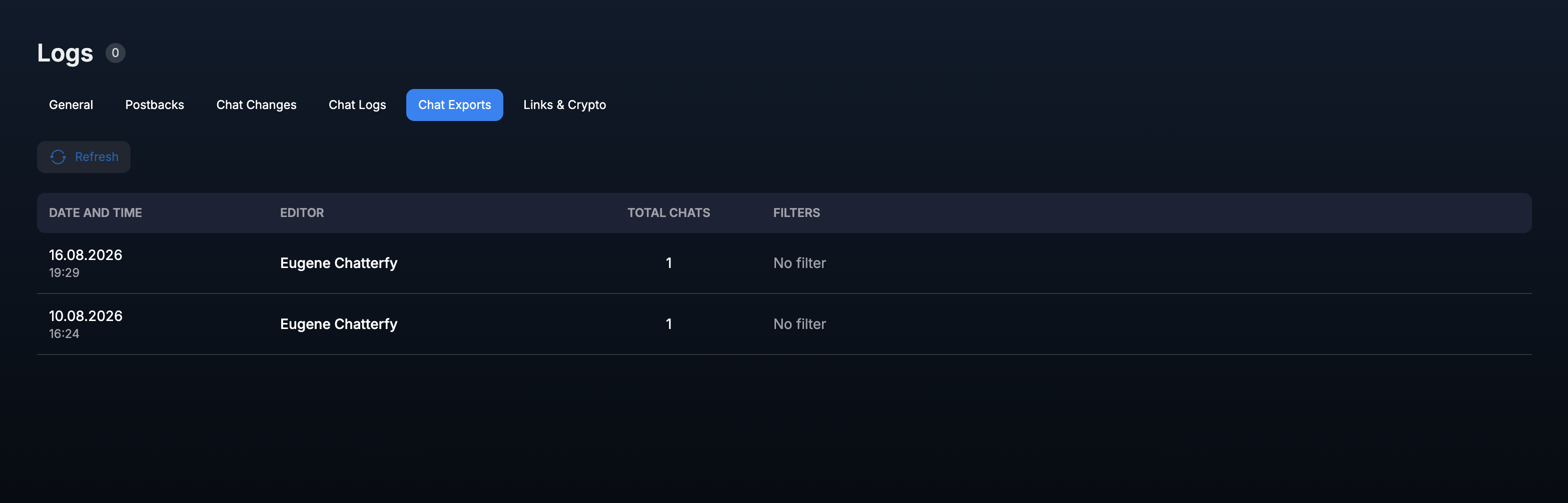
The Chat Exports tab records bulk chat exports. Here, you can see the date and time, the user who created the export, the number of chats, and the filters applied.
Chat Exports tab
Bulk export log showing the number of chats and selection filters.

If you need to verify the source of an export, refresh the list using the Refresh button and compare the operation time with the Editor.

Was this article helpful?

BackTasks — team tasksNextMessenger

On this page

  • Chat Logs
  • Chat Exports